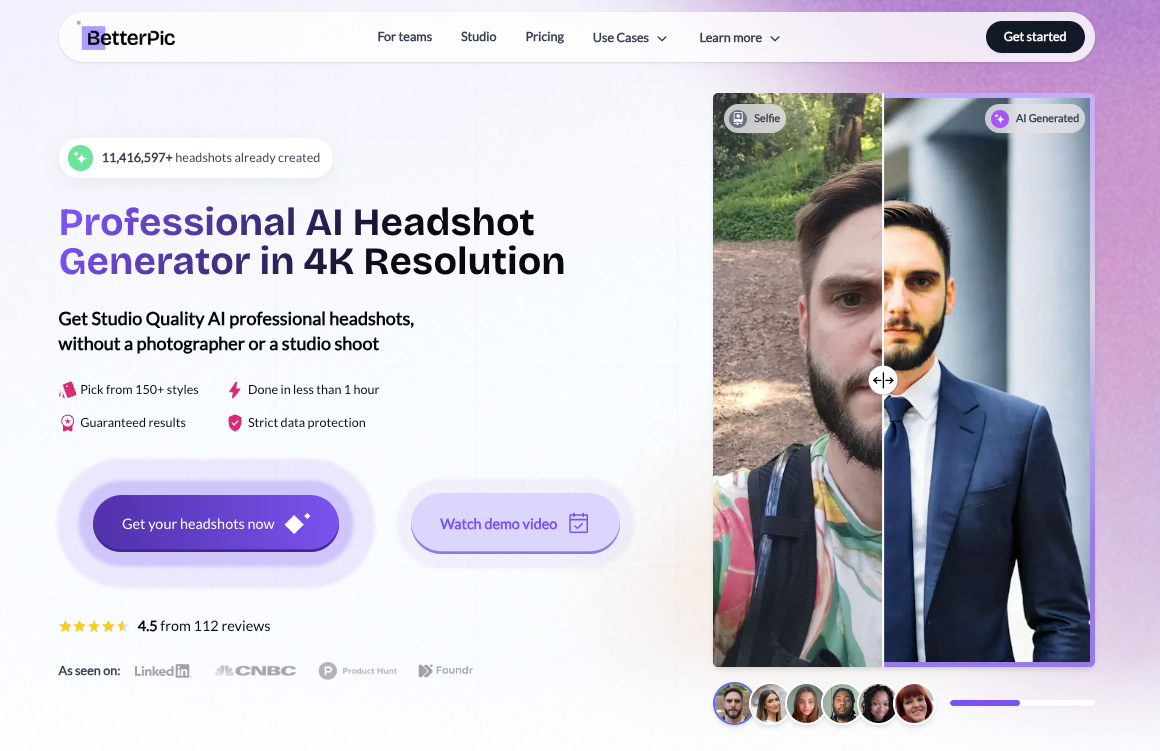
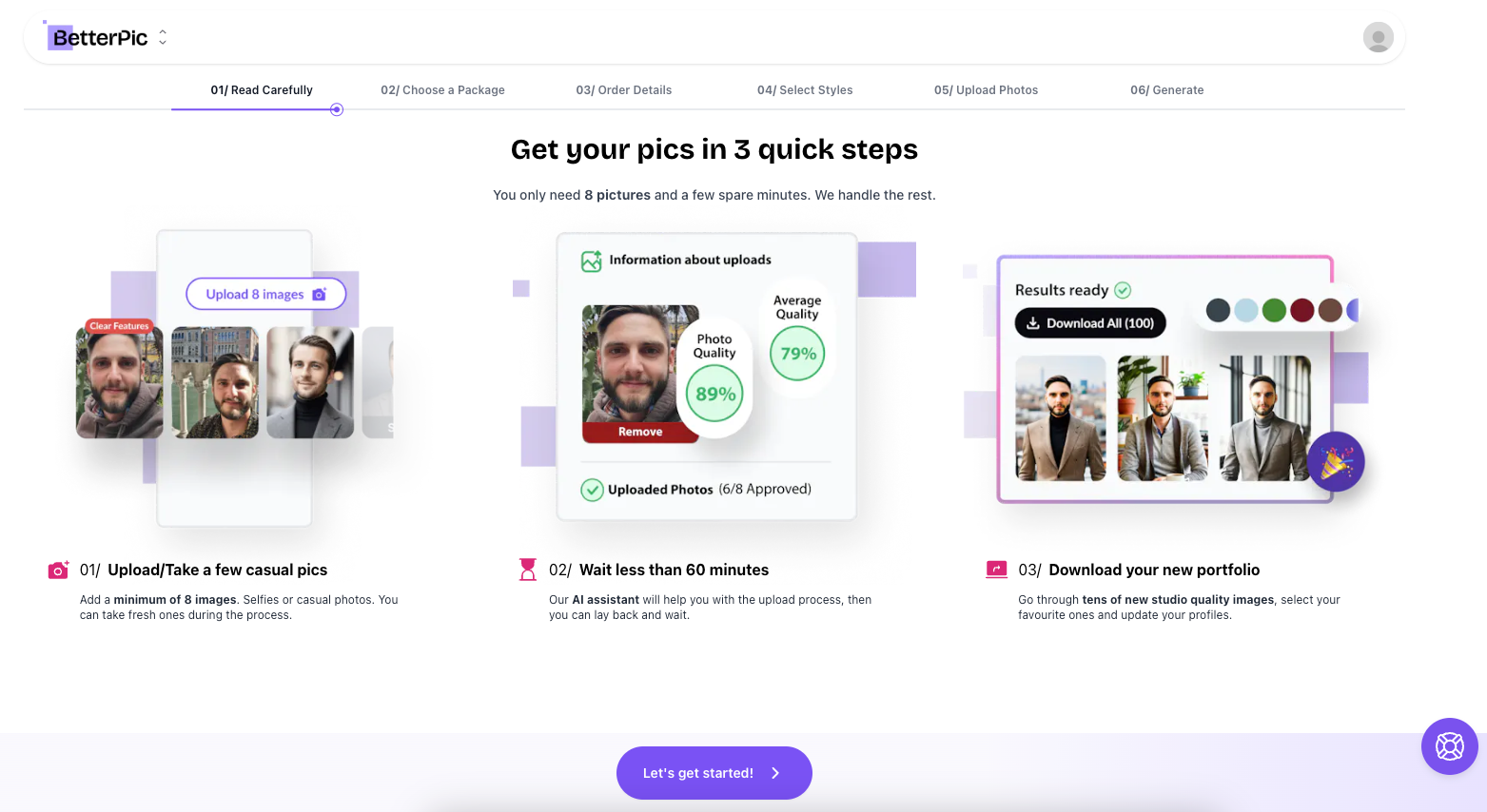
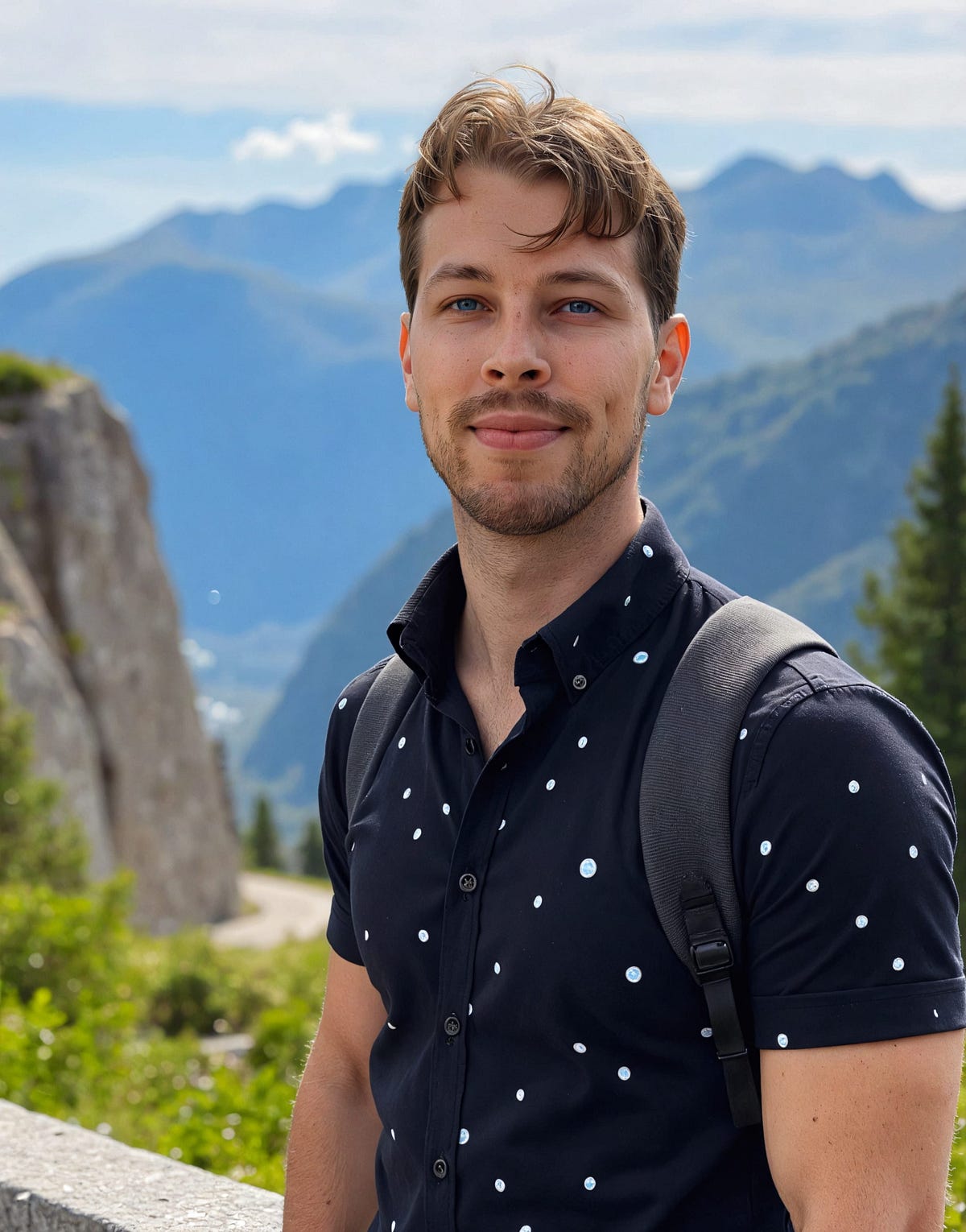
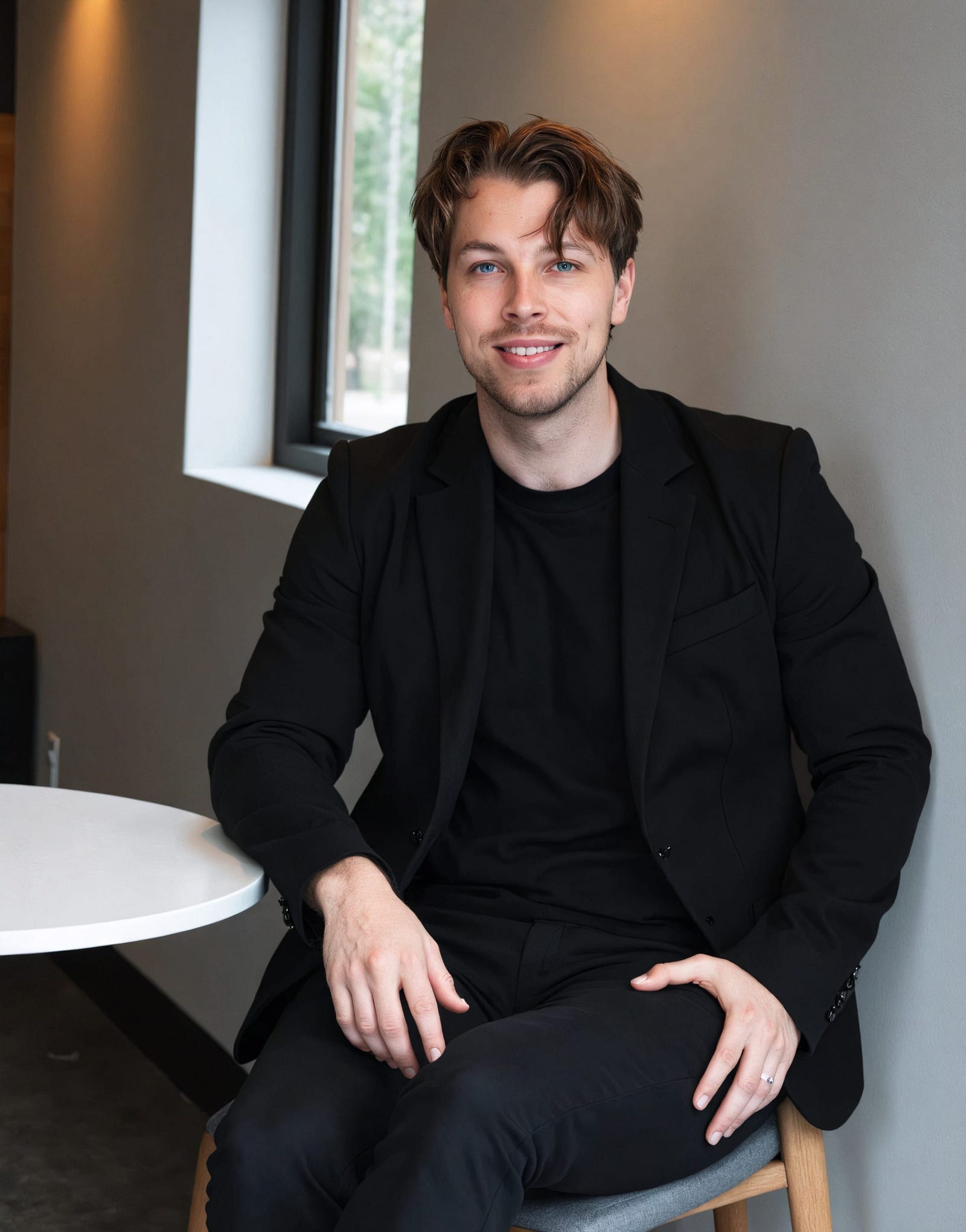
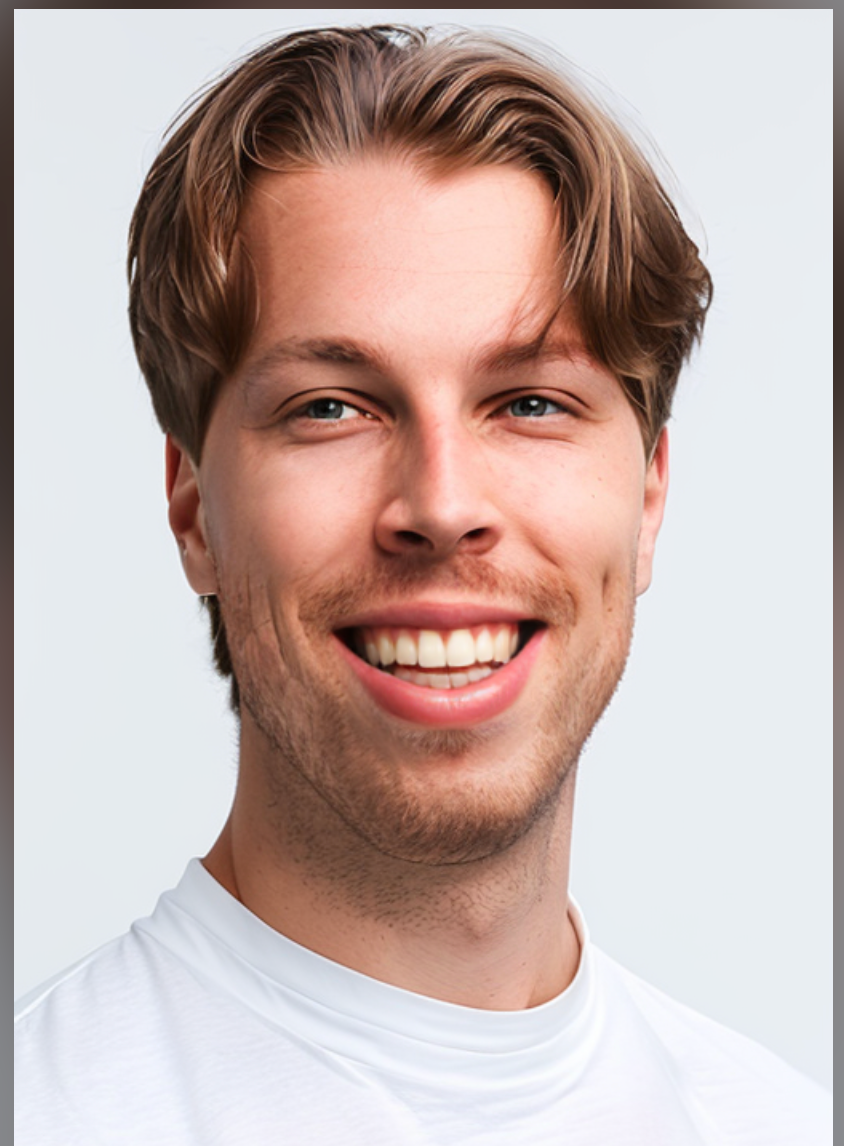
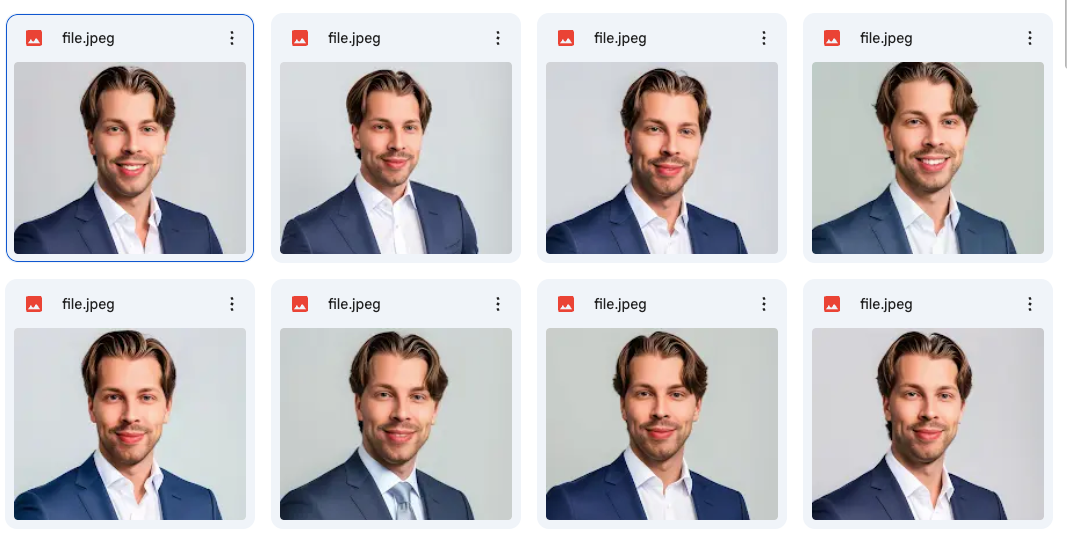
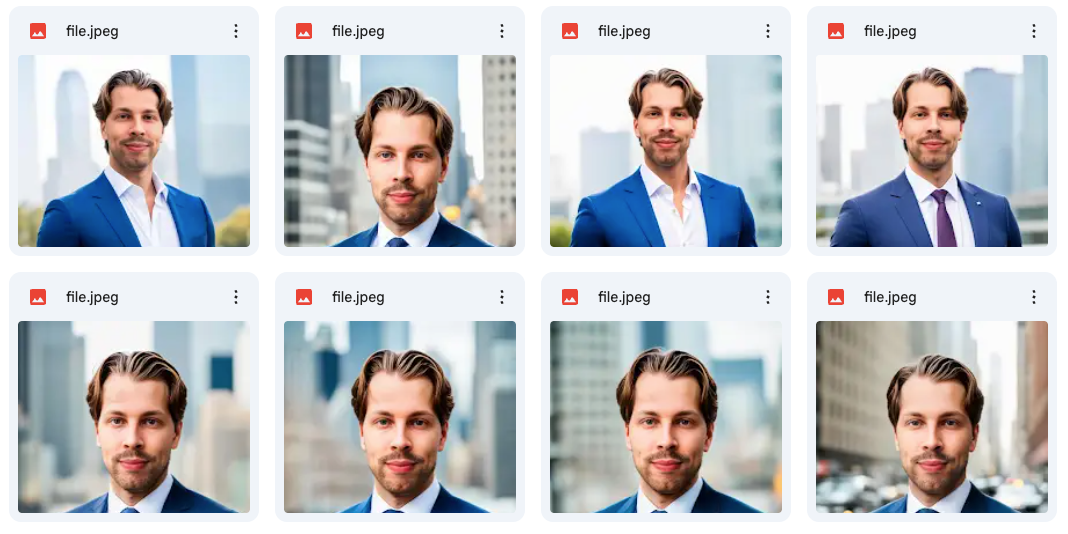
BetterPic is my overall favorite AI dating profile picture generator out there. This tool gives realistic results in less than an hour. All you need to do is upload a bunch of images of yourself to the view and wait.
Just as a disclaimer, I haven’t tested these images on any dating app, because I’m in a relationship. So if you wish to see statistics on how tools like this perform in the field, this is not the post for that. But if you just want to see results that I think would look the best, then this post is for you.
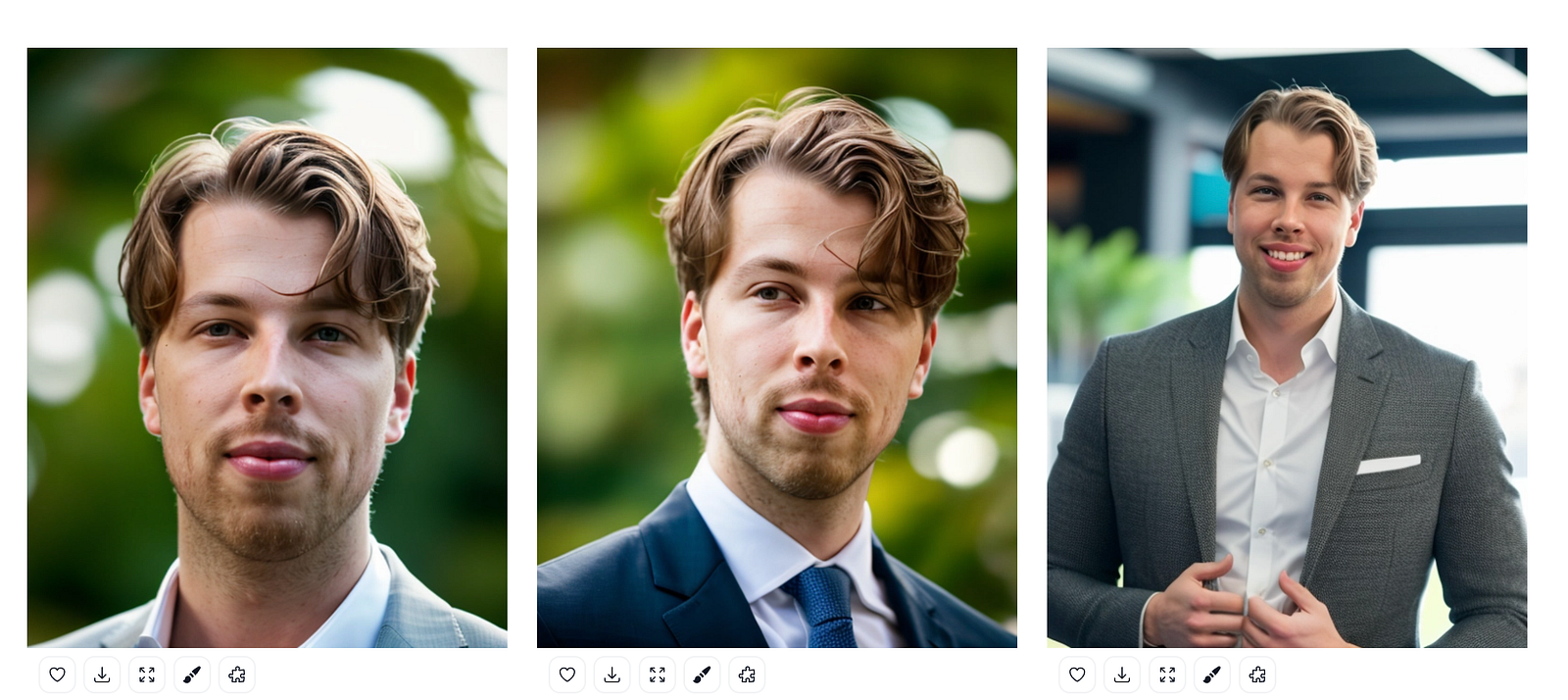
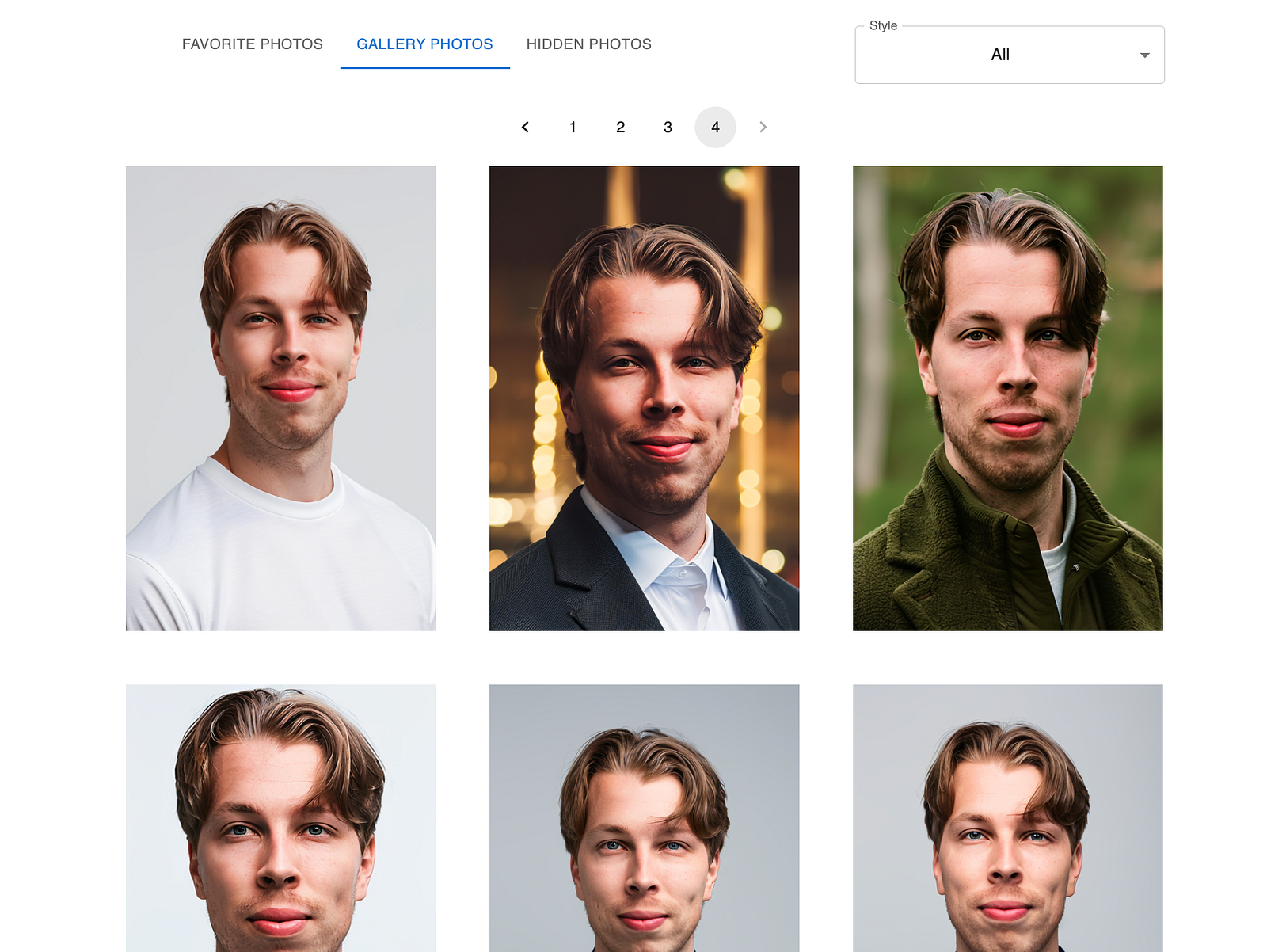
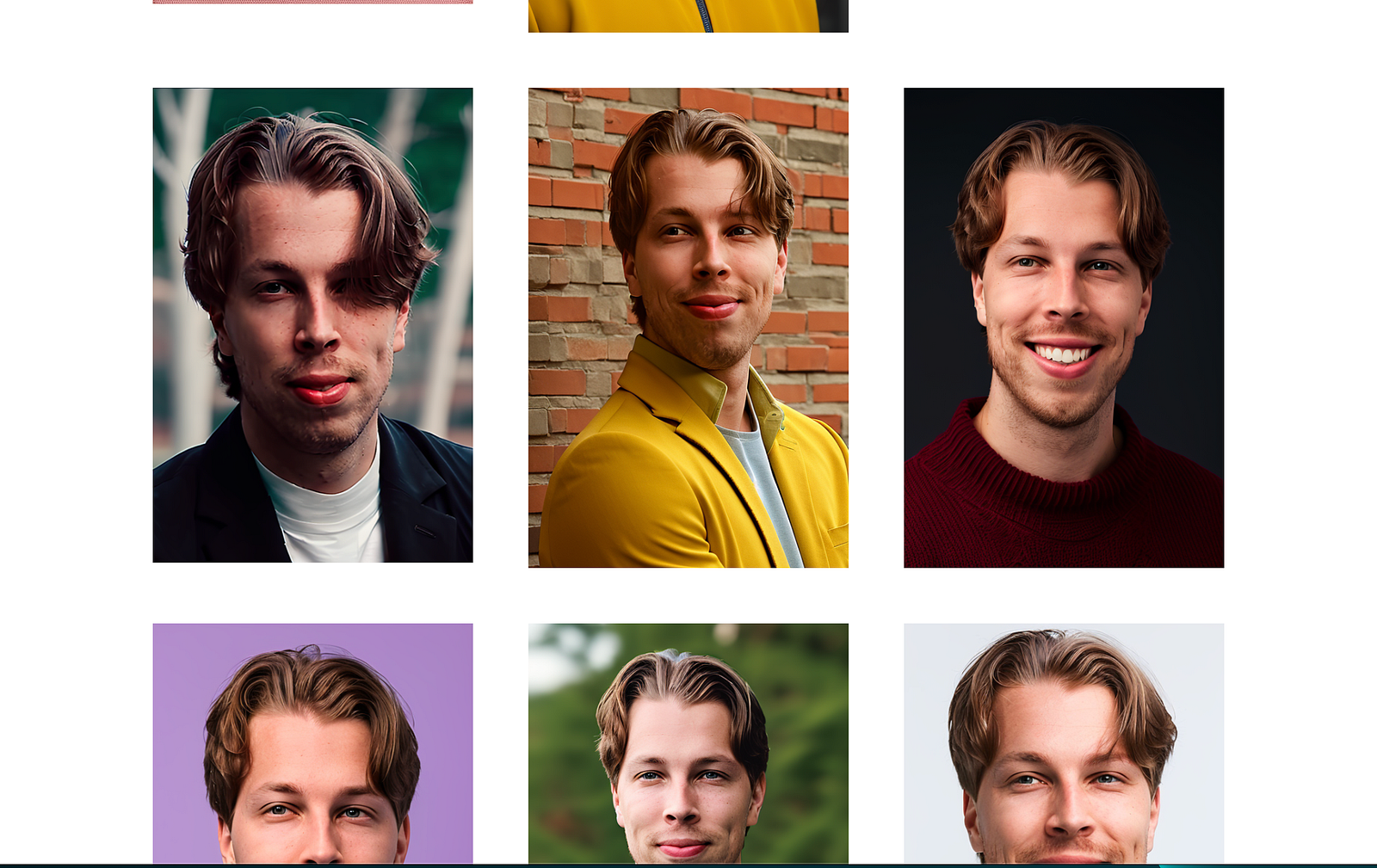
Here are my favorite AI dating profile pictures that I got from BetterPic.
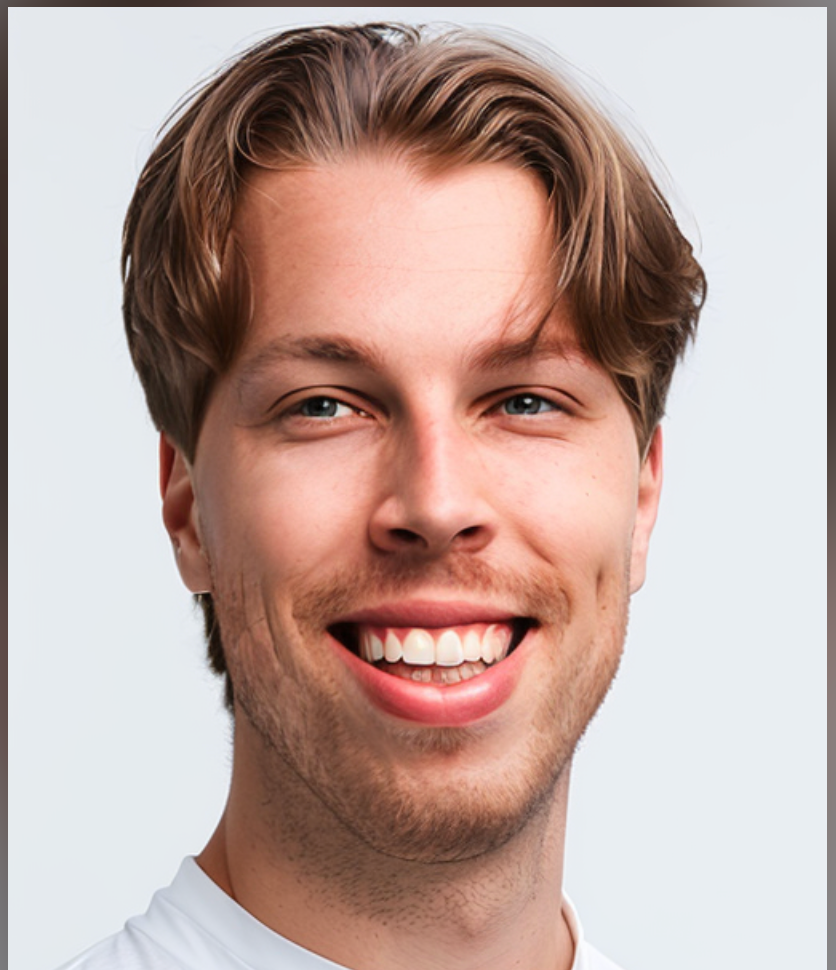
I love these images because they look natural.
They have little to no artificial vibes and for example the skin is not extra smooth unlike most AI dating profile picture generators.
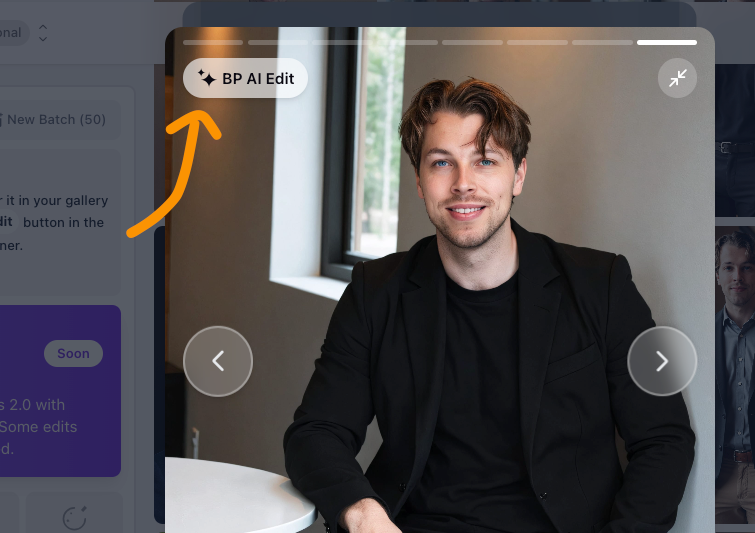
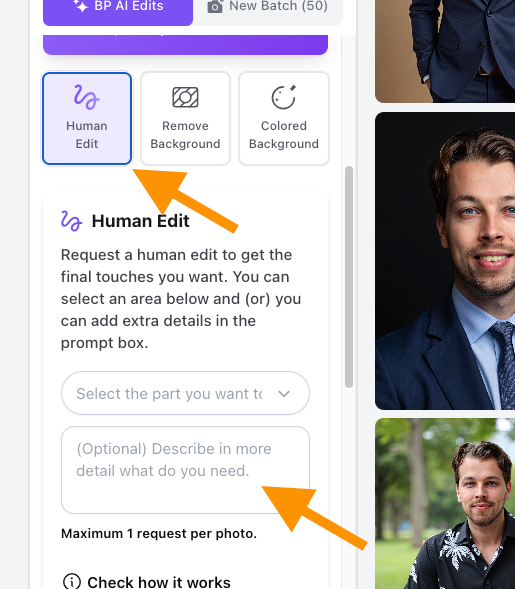
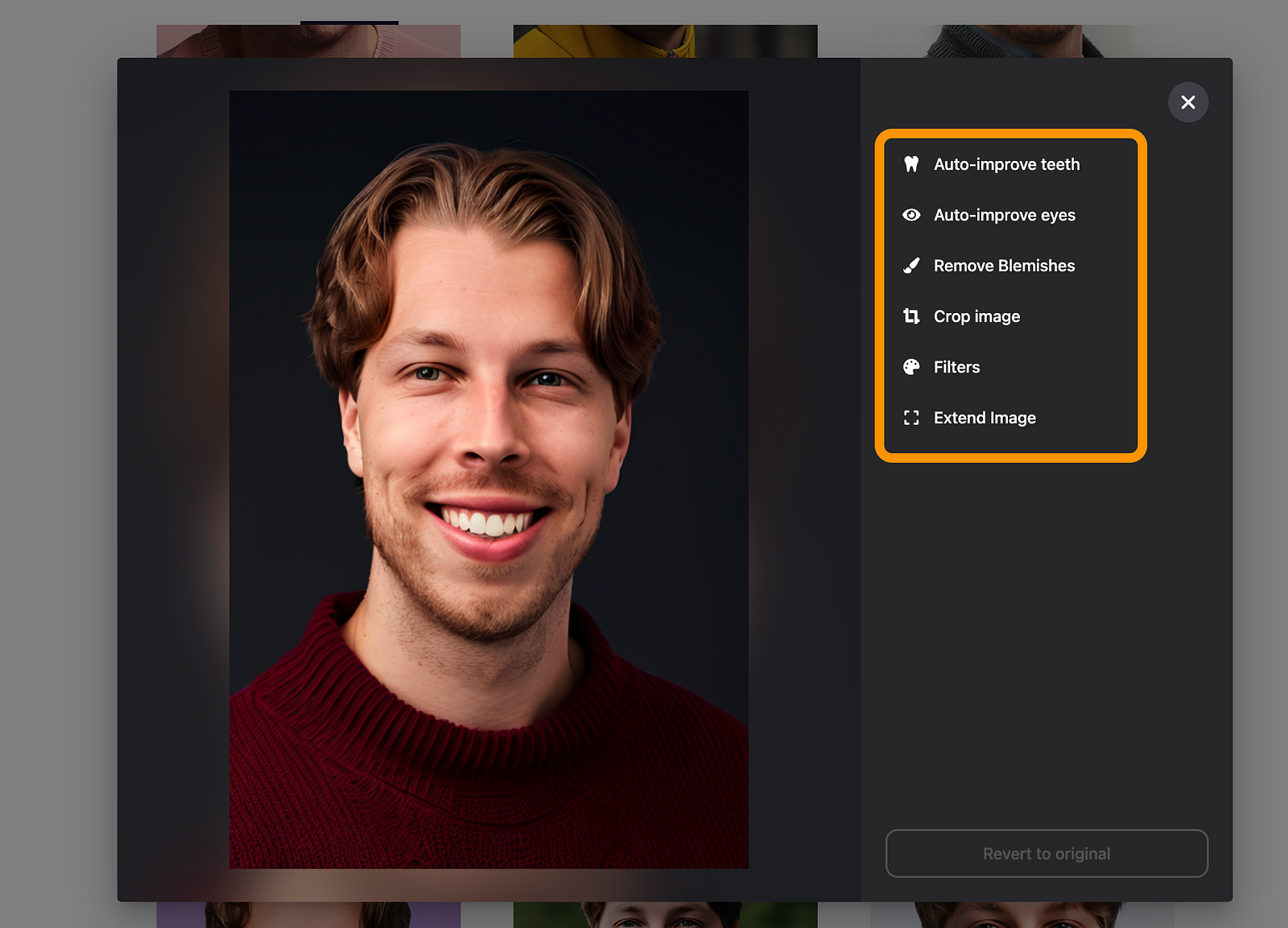
Also, the customization options are insane. You can change clothes, backgrounds, and even do human edits. I recommend checking this tool out if you want the best dating profile picture.
The next awesome AI dating profile picture generator on this list is HeadshotsByAI. The tool works so that it takes a bunch of selfies and turns those into dating profile pictures in an hour or two.
Let me show you the details and my results.
Details
💰 Pricing: Paid, starting at $29 🎨 Customization: ❌ Not available ⚡ Speed: 60–120 minutes 📸 Quality: 4.7/5
This one is very close to being the best AI profile picture generator out there.
The only reason it’s not on the top of the list is because of the lack of customizations. The tool doesn’t let you do anything to your AI dating profile pictures. It just gives them to you and all you can do is download them.
But as you can see, the results are insanely good. The pictures have no artifacts or issues in general. Only if you zoom in very close do you see that some of the pictures are AI-generated.
If you’re looking for epic AI dating profile selfies, check out InstaHeadshots.
This tool is one of the best selfie generators out there. It takes your regular sefies and turns those into professional-looking, casual, and versatile dating profile pictures.
Let me show you my results.
Details
💰 Pricing: Paid, $49 🎨 Customization: ❌ Not available ⚡ Speed: 60–120 minutes 📸 Quality: 4.6/5
This is the best tool for creating dating profile pictures. This one also gives you a bunch of natural looking selfies in no time. I think it only took about 2-3 hours from sending the images to getting them back.
But the reason this tool is not higher on the list is because it doesn’t let you customize your dating profile pictures. Just view and download.
As the next AI dating profile picture generator on the list we have ProPhotos AI.
This tool takes your regular selfies and turns those into good-looking dating profile pictures in just an hour or two.
Let me show you the results I got.
Details
💰 Pricing: Paid, starting at $39 🎨 Customization: ❌ Not available ⚡ Speed: 60–120 minutes 📸 Quality: 4.5/5
My Results
These results look pretty good to me, but at this stage you can already start to see that the artificial vibes kick in. The images are good, and they definitely look like me. But on a closer look you can instantly tell that those are over-processed or AI-generated.
Also, with ProPhotos, you can’t customize your dating profile pictures. You can just view and download!
If you’re looking for a more affordable AI dating profile picture generator, AiSuitup is the best bet on this list.
It gives you a really good set of results, yet it costs nearly half of what the best AI dating picture generators do.
Let me show you what I got out of it.
Details
💰 Pricing: Paid, starting at $27 🎨 Customization: ❌ Not available ⚡ Speed: 1–5 hours 📸 Quality: 4.3/5
My Results
I love my pictures. Some feel a bit artificial, but most don’t. The last one is actually one of the overall best pictures that I’ve received in all of these generators combined.
However, some of these are a bit artificial too. Also, this tool doesn’t allow for customizations either.
Let me share my experience and results with Try It on AI.
Usage
Using Try It on AI is relatively simple. Just sign up in their website.
Then, choose a headshot AI photoshoot.
I bought the 61USD package to get 100 headshots. If you’re on a budget, you might want to try a lower valued package.
Once you’ve bought the package, you need to upload images of yourself to the headshot generator to let it know what you look like.
Once you’ve understood the instructions, just drag and drop the real images of yourself to the view.
Once you drop the images, make sure to crop them so that the tool can clearly see your face. I got a lot of alerts that my face is not visible.
Also, sometimes I just had to reupload because it claimed no face to be visible.
To be honest, I was a bit confused by the user interface. Sometimes the images would upload, then it would take 5 seconds before I get feedback from the UI. But after a while, I was successfully able to upload all the images to it.
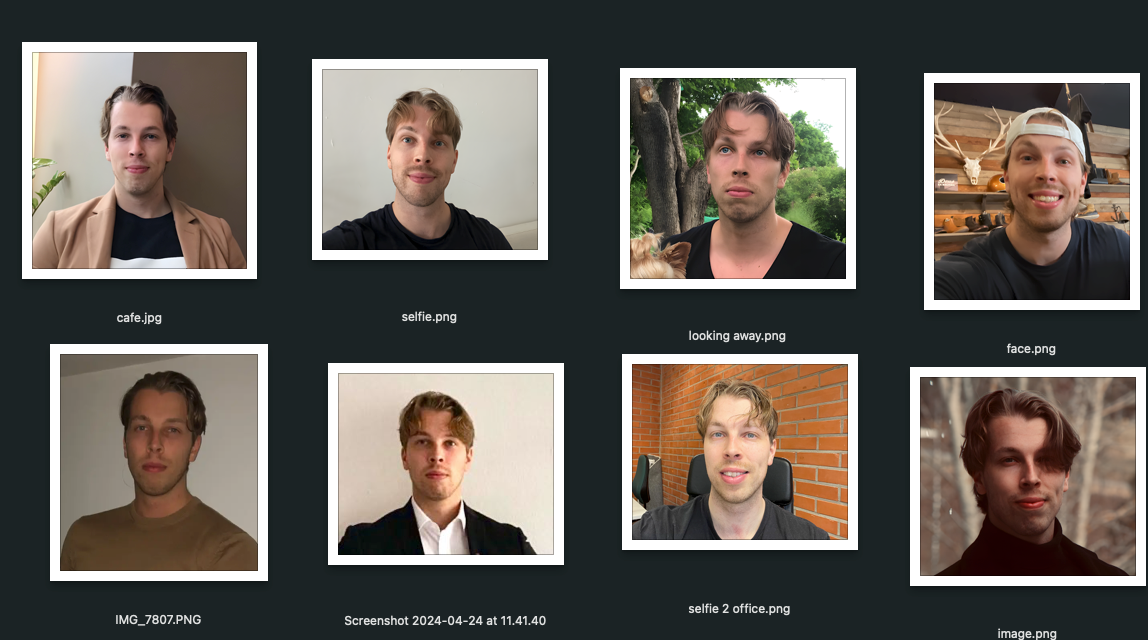
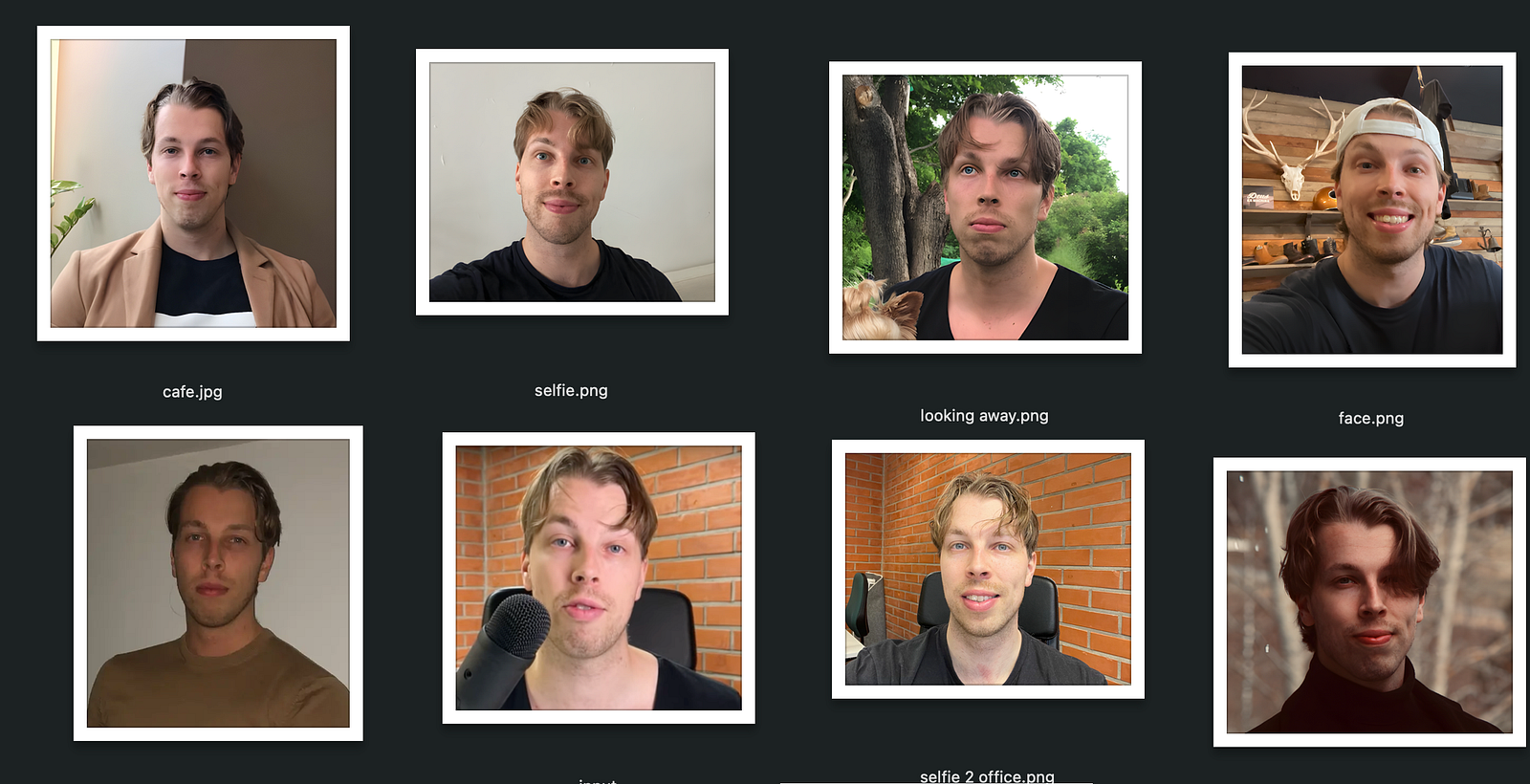
By the way, just so that you can compare the results with what I look like, here’s a closer look at my selfies (that is, what I look like).
As the next step, you need to pick your favorite styles.
I don’t think there’s a limit on how many of these you can choose. I chose 11 good-looking styles for my headshots.
Then give the rest of the details to the tool to just double-down on what your characteristics are like.
Then upload your images and wait. This tool claims to take only 10-15 minutes to create the AI headshots.
Headshot Results
After about 10 minutes, I got my headshots back. It was indeed the fastest headshot generator that I’ve used.
Here are some images that I got from it:
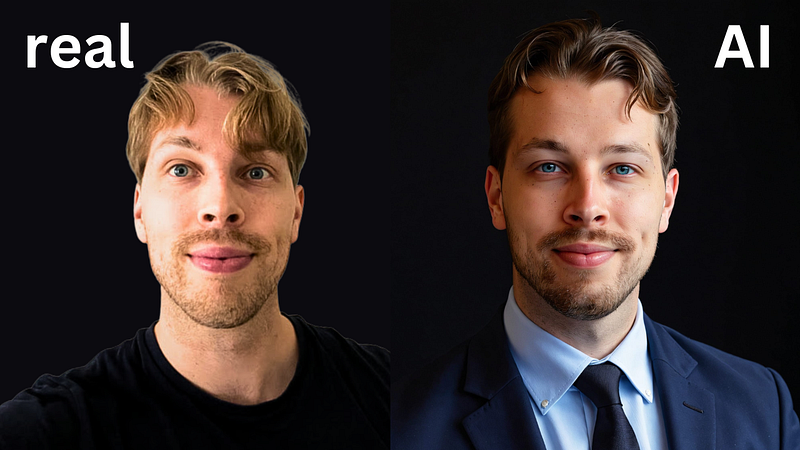
Here’s a little side-by-side comparison between the real headshots and the AI-generated ones.
I’d say that’s pretty close.
But to be honest, most of the results are just bad. Out of the 100 headshots, I’d say only 2-3 of them are kind of usable.
Here’s an example of a more typical result:
It still looks a lot like me. But it also looks like it’s been manipulated by a filter that squashes the image. It just look unnatural.
Here’s an even better example:
Once again, it clearly looks like me. But at the same time, my head looks way too large and almost comical.
But then again, some of the images look decent. For example, this neon-lit photo looks pretty good to me.
Customizations
One cool feature in Try It on AI is the ability to edit your AI headshots with AI.
You can do image sharpening, change backgrounds, regenerate photos, and more.
However, those edits didn’t meet my expectations.
For example, here’s a bad image where my teeth and eyes look messed-up:
To fix this, I tried to regenerate the image with the AI edits feature:
In the above screenshot, I’m covering my eyes and mouth with a brush that will then tell the AI what parts of the image it should recreate. Then I also told the AI to make these parts look more realistic.
But, to my disappointment, here’s what it did:
I mean c’mon. It’s so bad it’s almost a joke. Totally unusable and waste of credits.
To put it short, I was not too happy with my Try It on AI headshots. There are just a couple that I could use. Also, the edits didn’t really help save those bad ones.
Alternatives
Luckily, there’s a better alternative, called BetterPic.io. I found a discount code to that too. You get 10% off with code JALLI10.
But to put it short, here are some results I got from BetterPic AI:
Aren’t those cool? The last picture is still my LinkedIn photo!
I love the results so much more than the Try It on AI ones. This tool is just better by leaps and bounds.
Also, the AI edits are super cool.
I won’t go into deeper details because you can find those in the BetterPic AI headshot review. But just as an example, here are some AI-edited photos that I got from it:
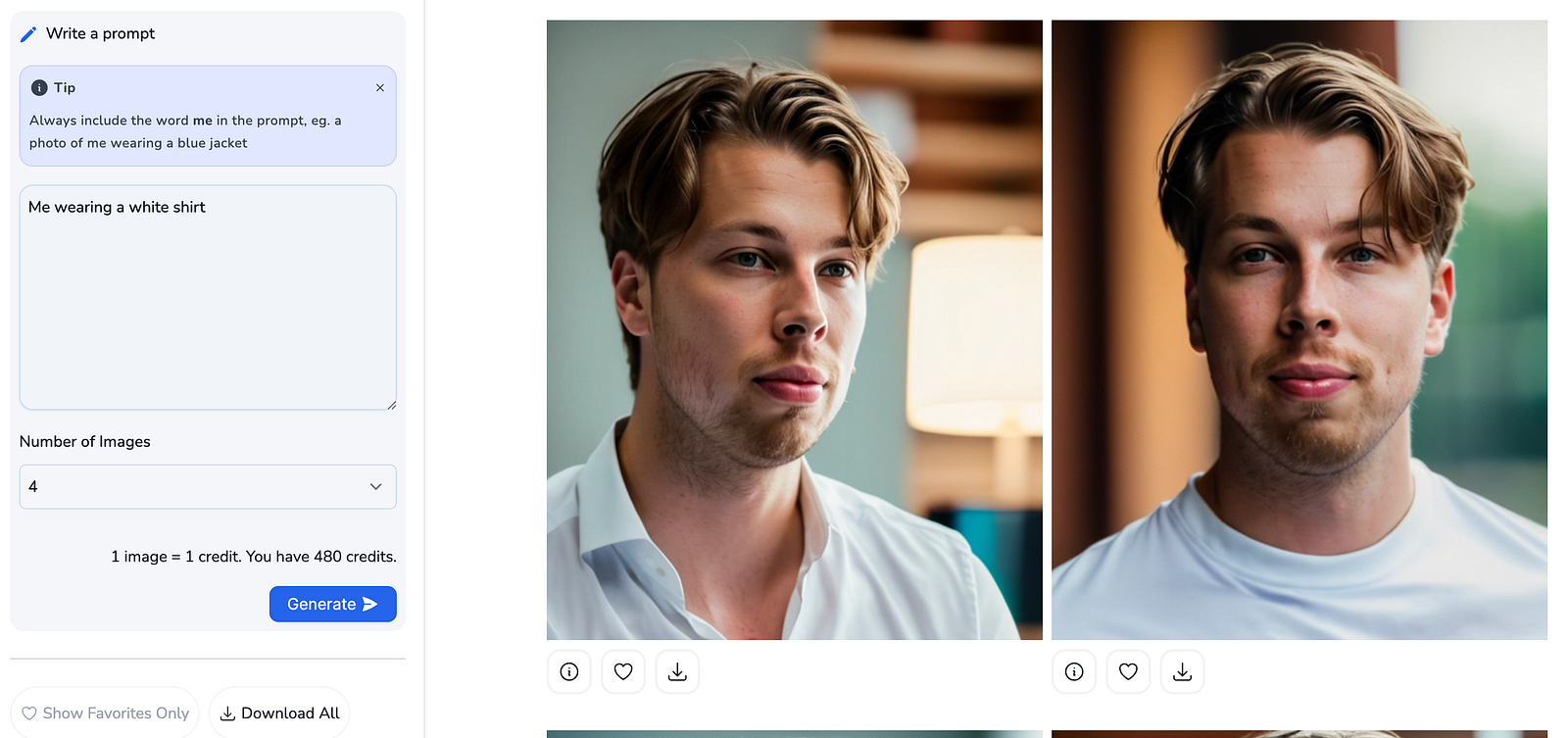
The way I did this was that I just told BetterPic to change my clothing to Christmas theme. BetterPic is the only tool that does this reliable AI edits on the images.
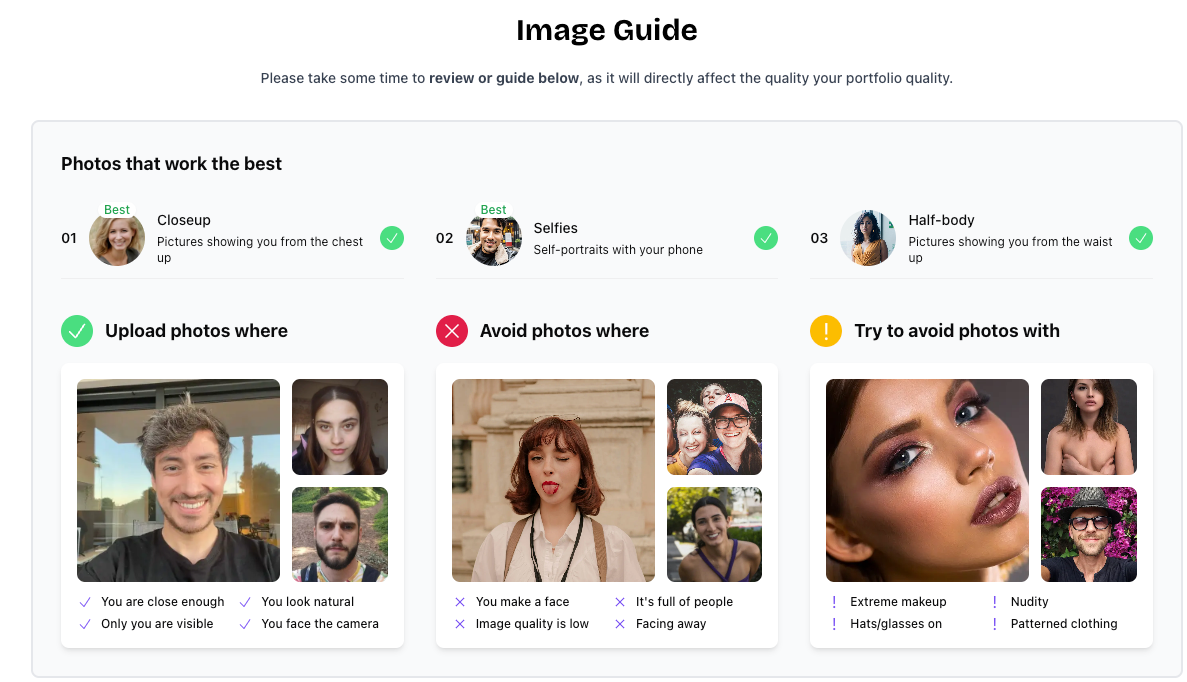
First, sign up here and read these image instructions.
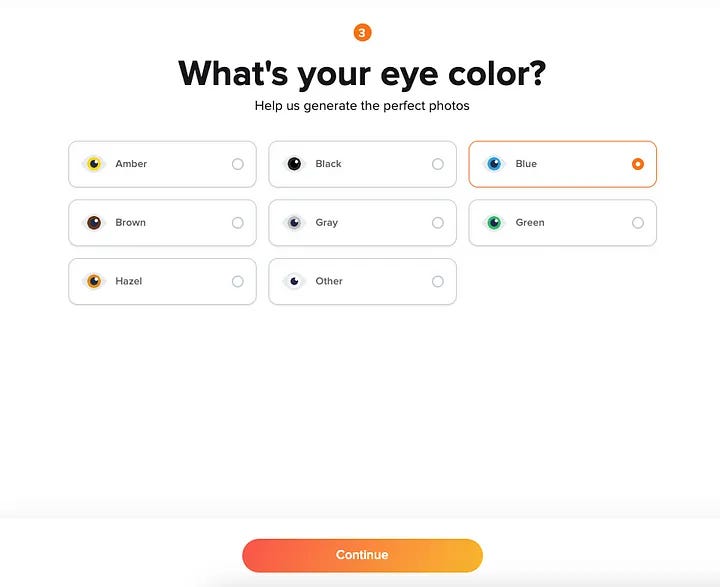
Tell your name, eye color, hair color, and basic information like that.
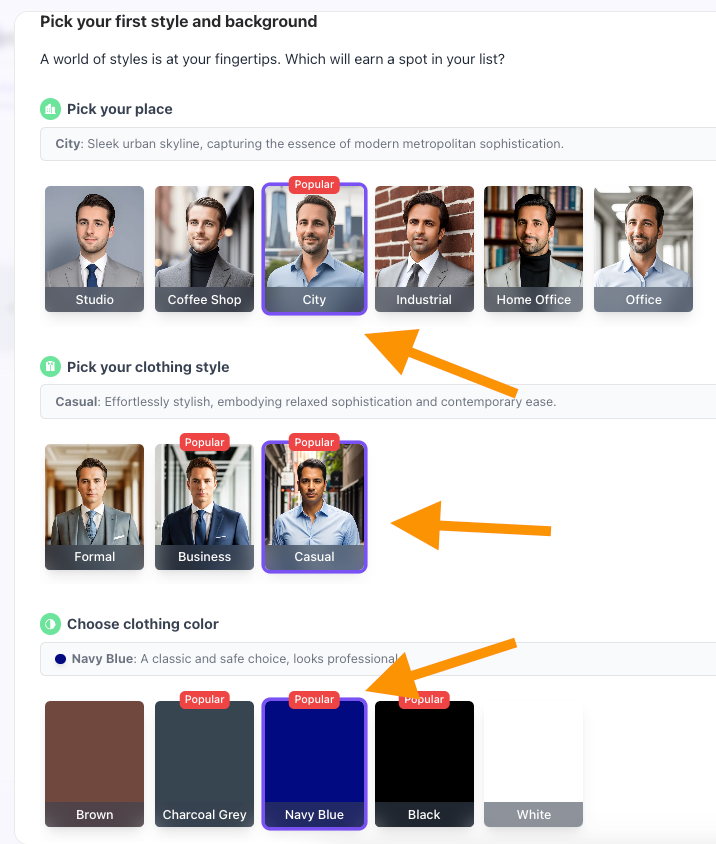
Pick a bunch of styles:
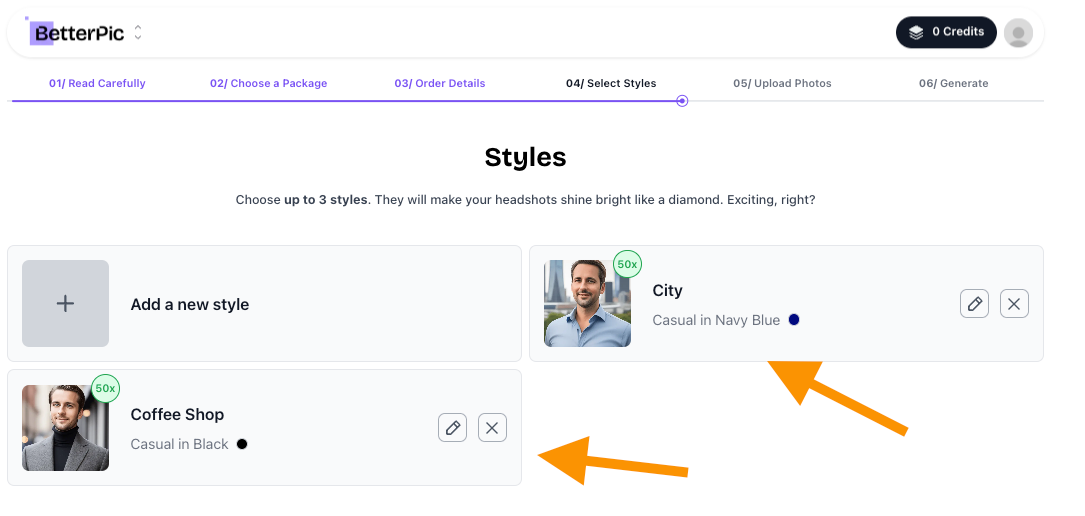
Choose three styles to make the results as versatile as possible.
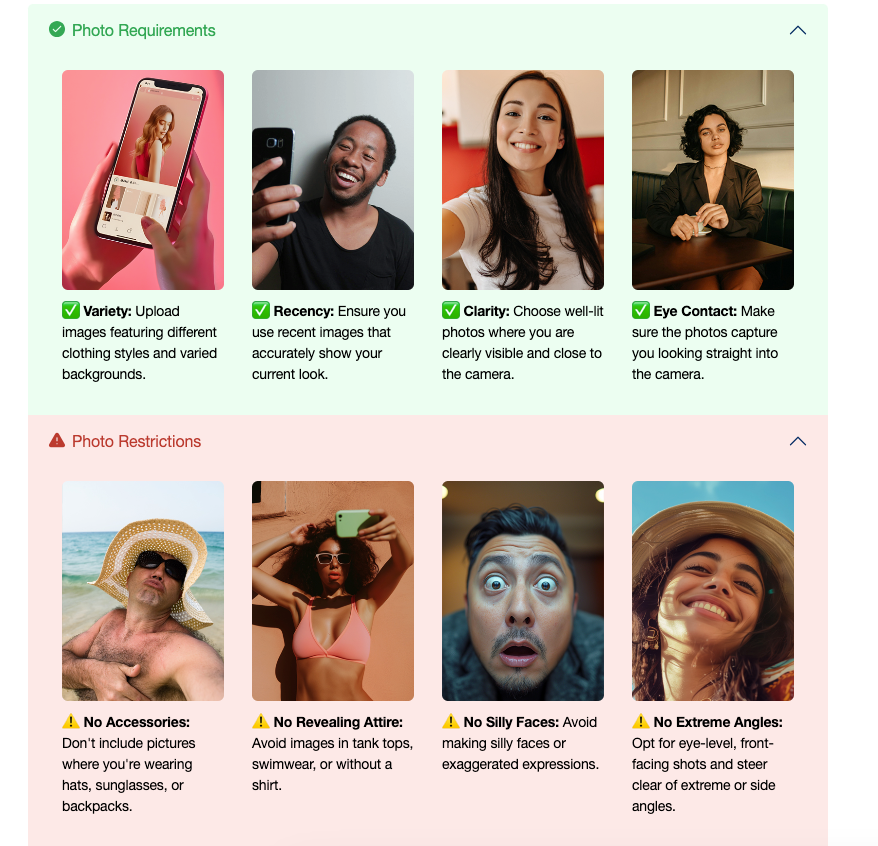
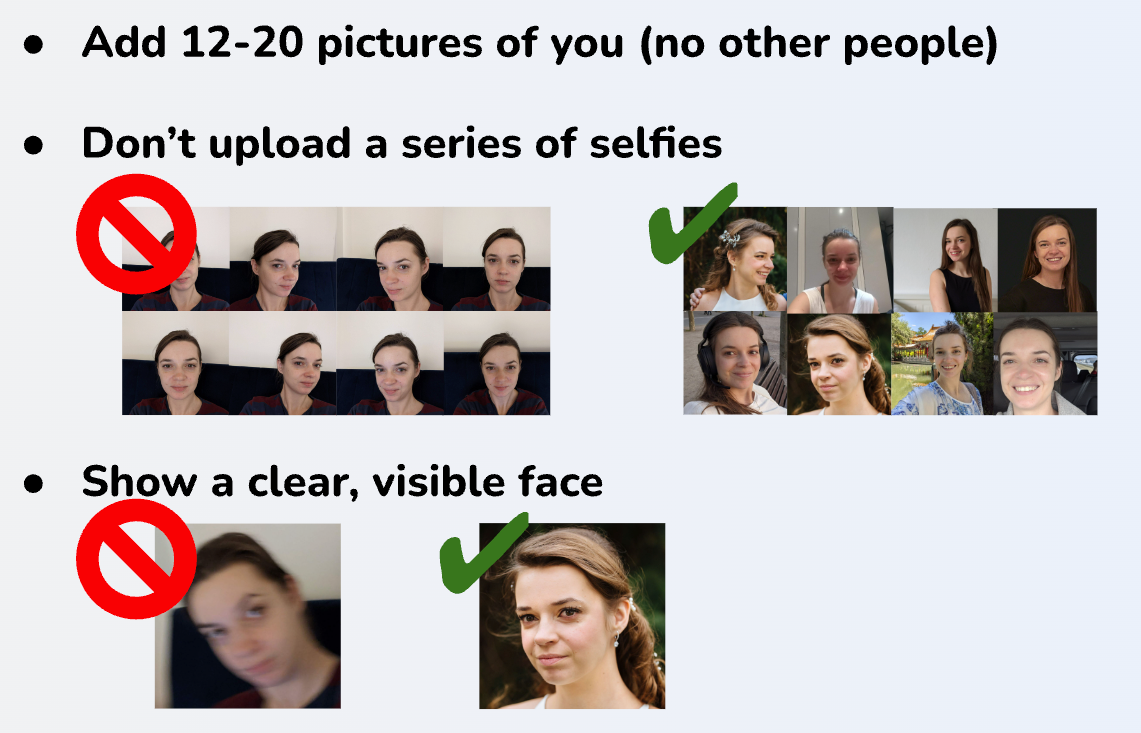
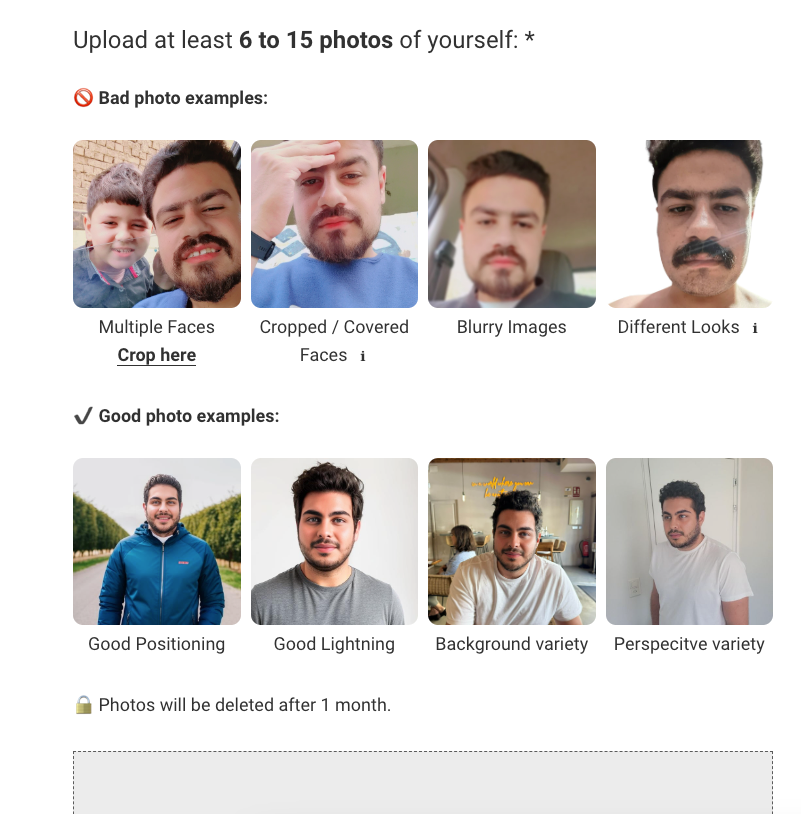
Remember to read the instructions on how to upload the right types of images. This is important because this way the AI learns what you look like and will be able to produce your profile pictures better.
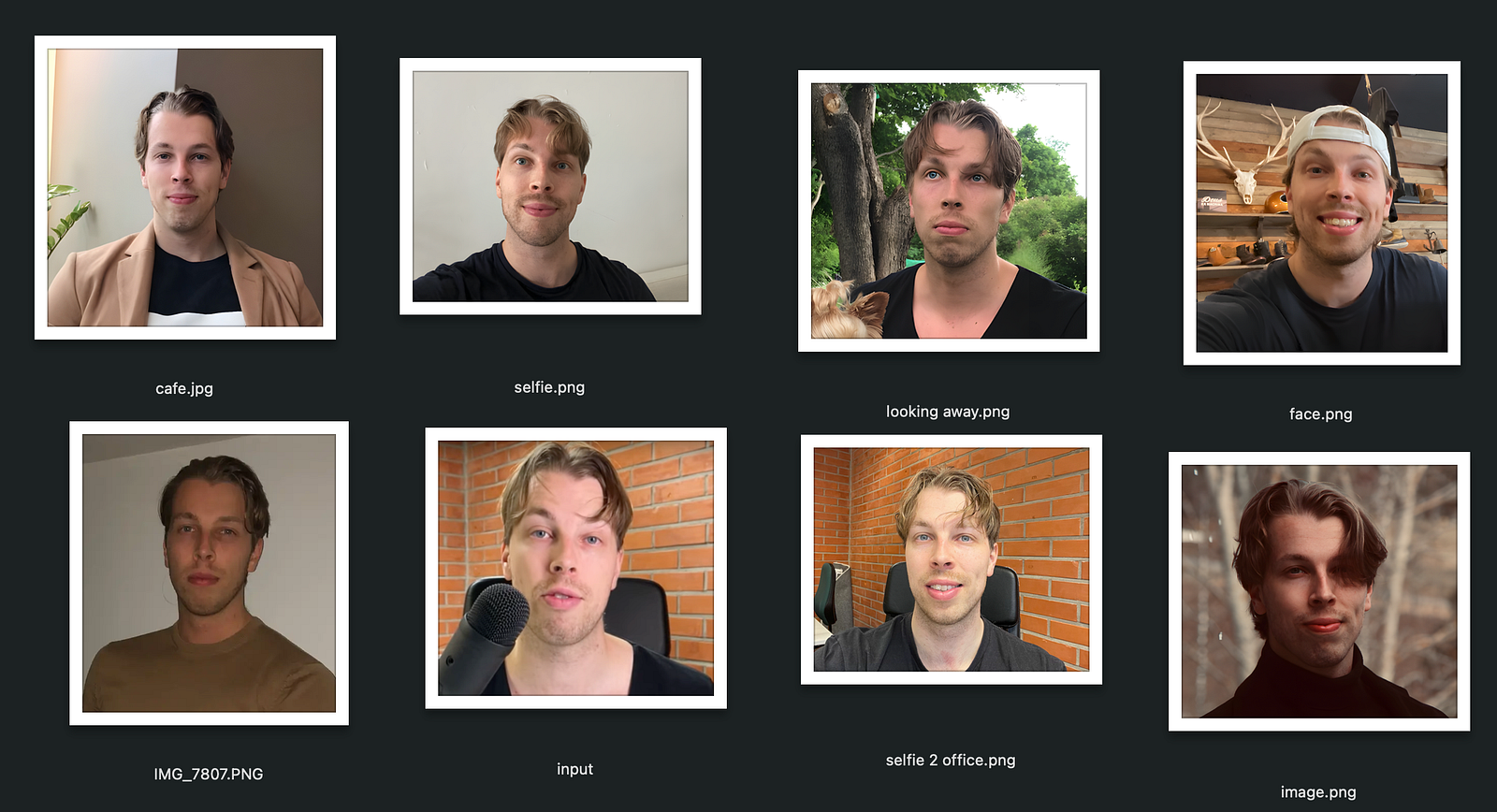
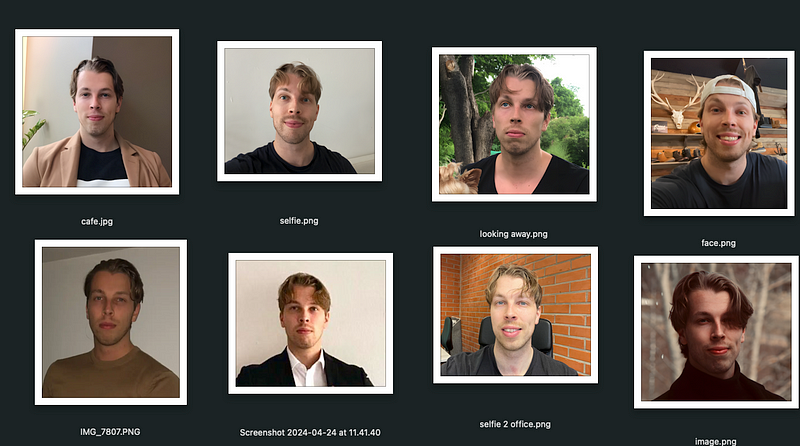
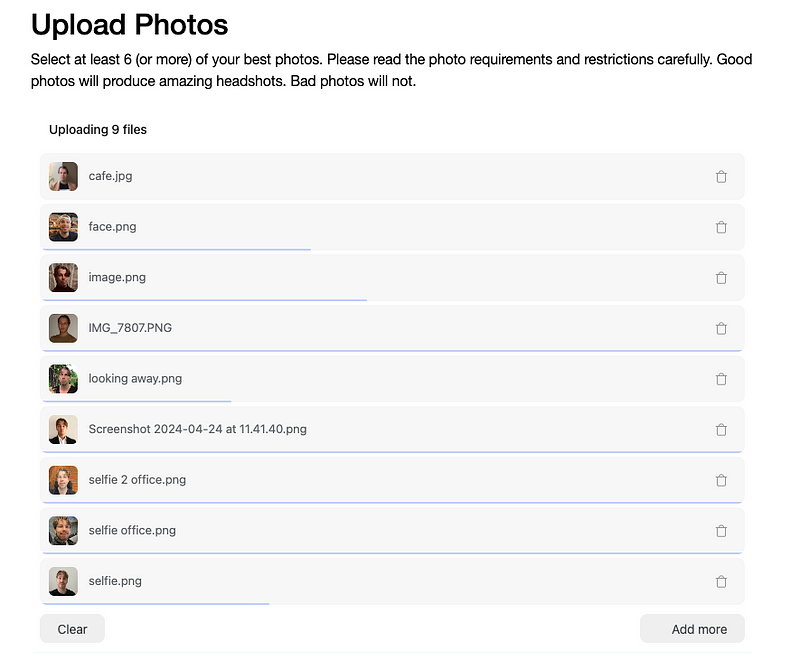
Here are my real profile pictures I sent to the AI:
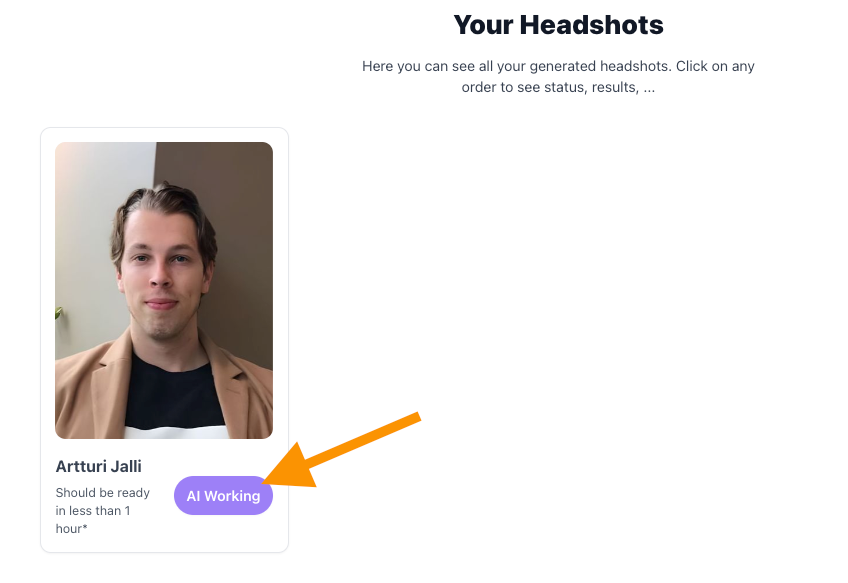
Then, after all my images were accepted, it was time to create the headshots.
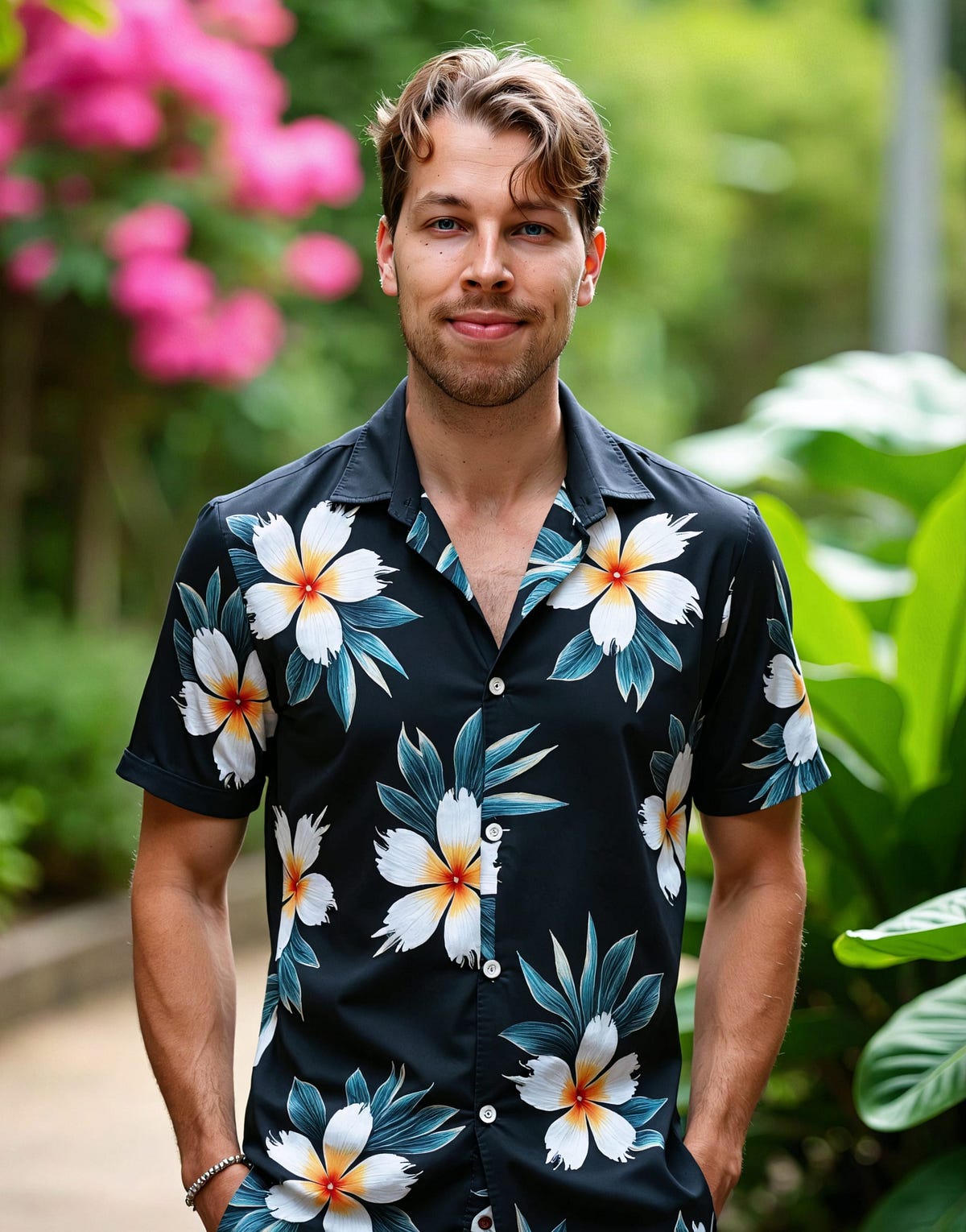
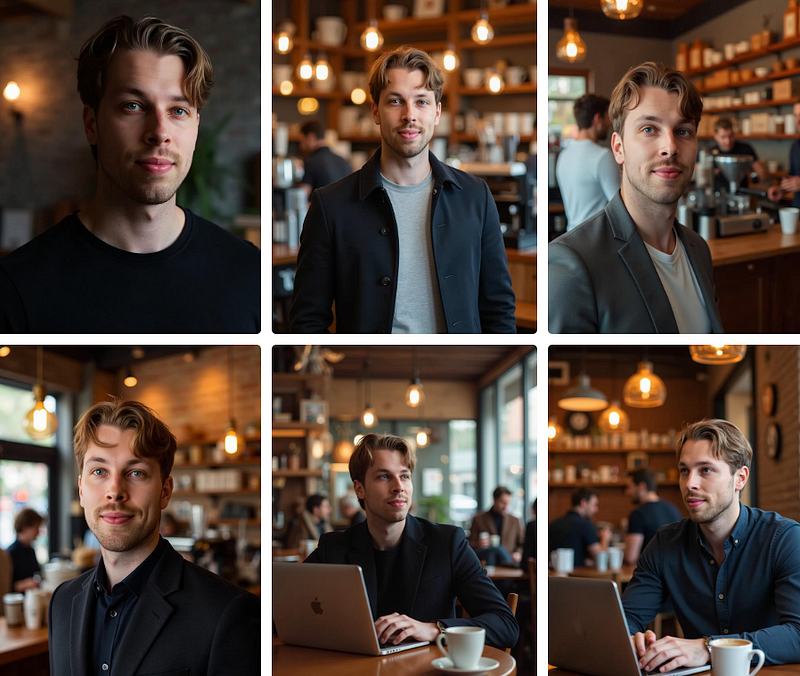
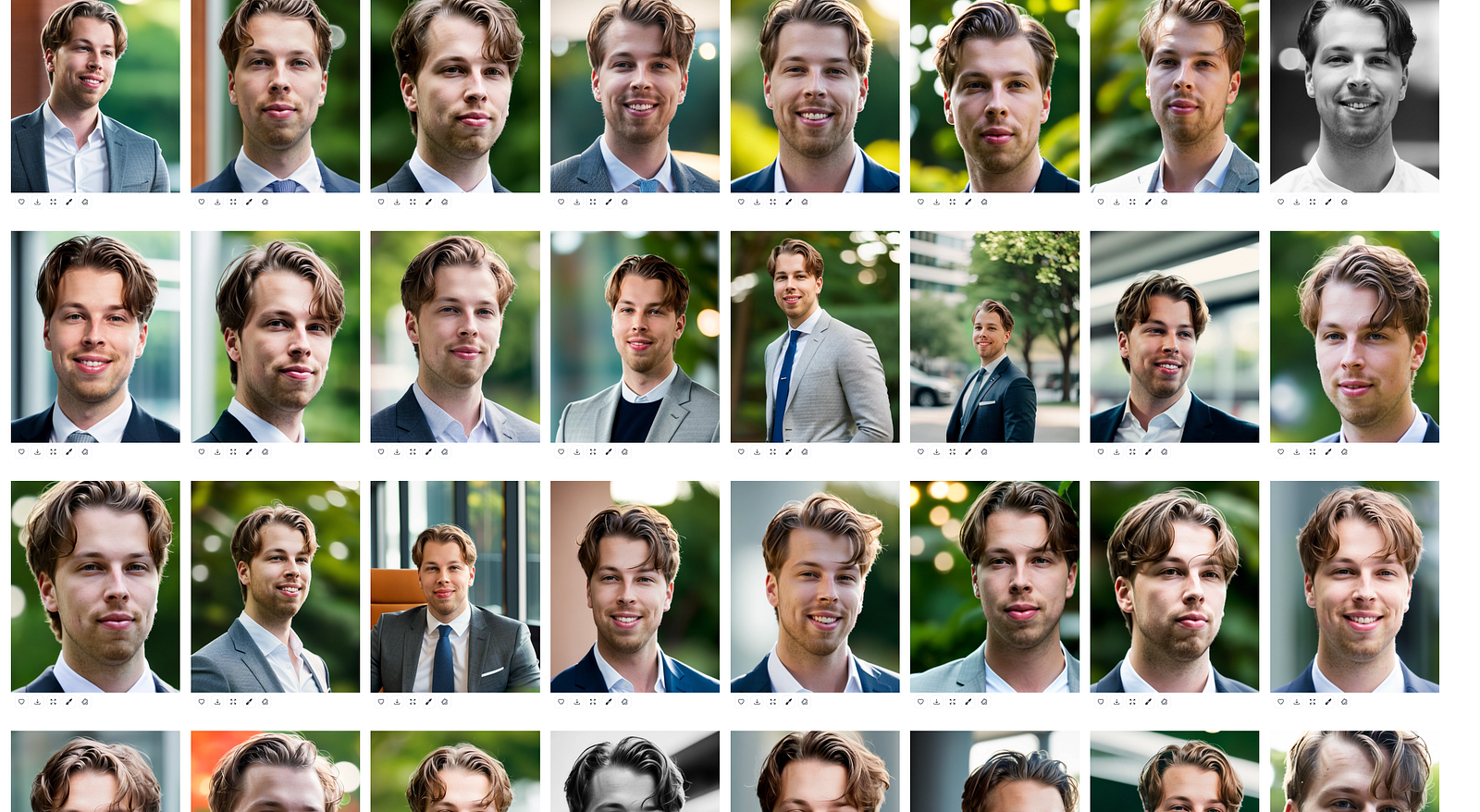
Here’s what I got after 30 minutes or so:
Pretty freaking cool, huh?
In fact, I have one of these as my LinkedIn photo right now.
Here you can see a bunch of these images as bigger photos to better see how sharp and high quality they are.
Those are my favorites.
But please, keep in mind that this tool is not always perfect.
Most AI-generated profile images look good, some are decent, and a few miss the mark.
For example, this seems to be a bit off for me:
However, as I said, you can fix some of the issues with the AI profile picture editing features.
Also, you can request a real human edit from the team:
This is very practical for teams especially.
Nonetheless, this is my favorite AI headshot and profile picture generator.
The results are realistic, faster than other AI headshot generators, and risk-free with a refund guarantee. Perfect for CVs, LinkedIn, or social media—give it a try!
Quick: Profile pictures ready in 30–45 minutes—way faster than waiting for a photographer.
Realistic: Incredibly lifelike results. My grandma couldn’t even tell they were AI-generated!
Variety: Offers a wide range of images with different settings, lighting, and outfits.
Cons
User-Friendly: The tool is easy to use, with features like uploading images twice and a more flexible reject policy.
No Editing: It doesn’t have in-tool editing—only viewing and downloading. For editing options, check out the next tool on the list.
Pricing
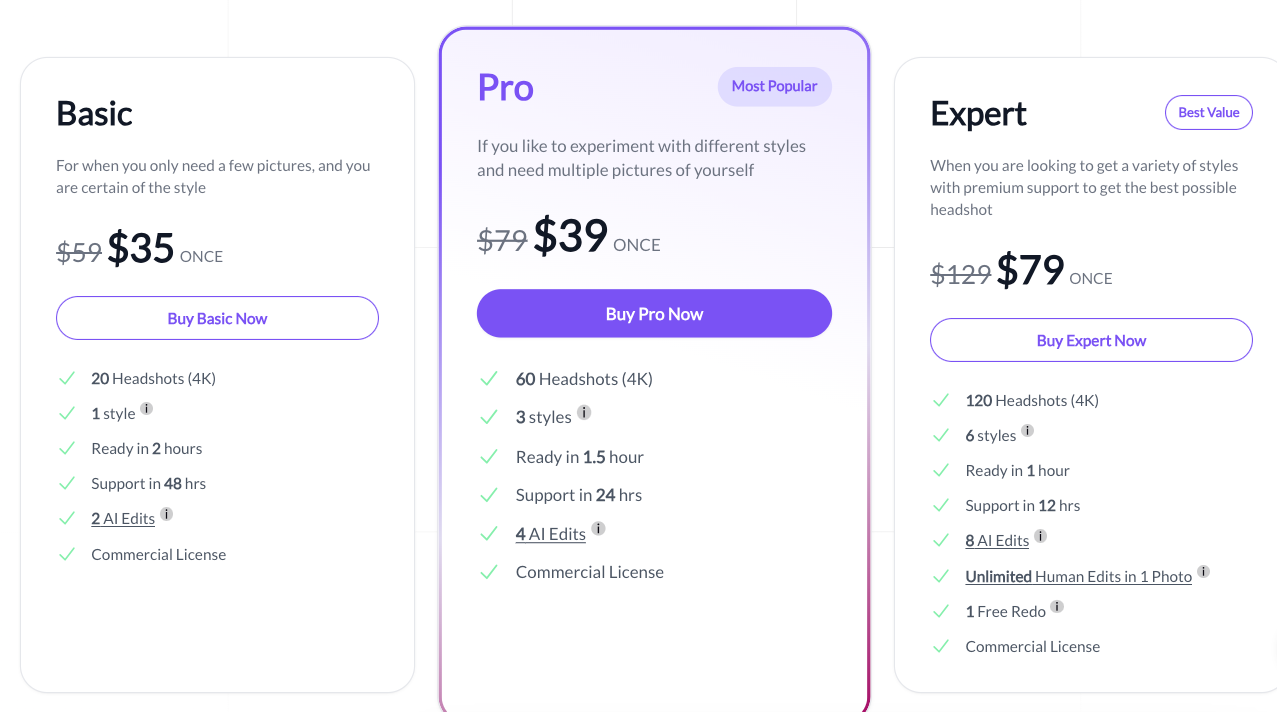
Starter: $35 (one-time)
Basic: $45 (one-time)
Premium: $75 (one-time)
To Take Home
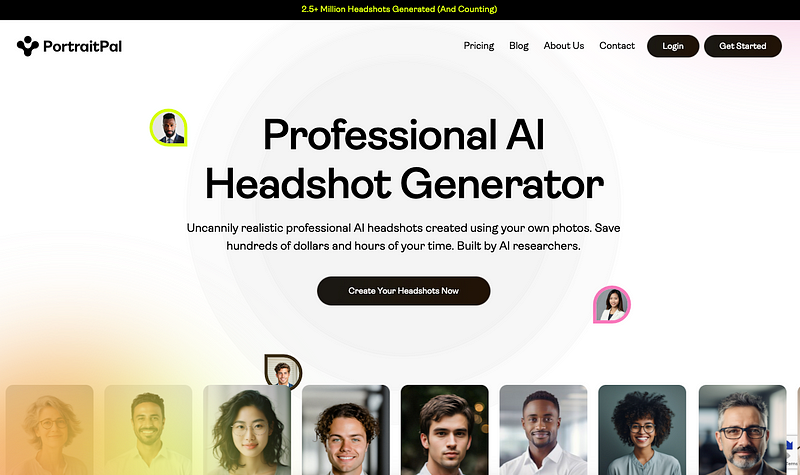
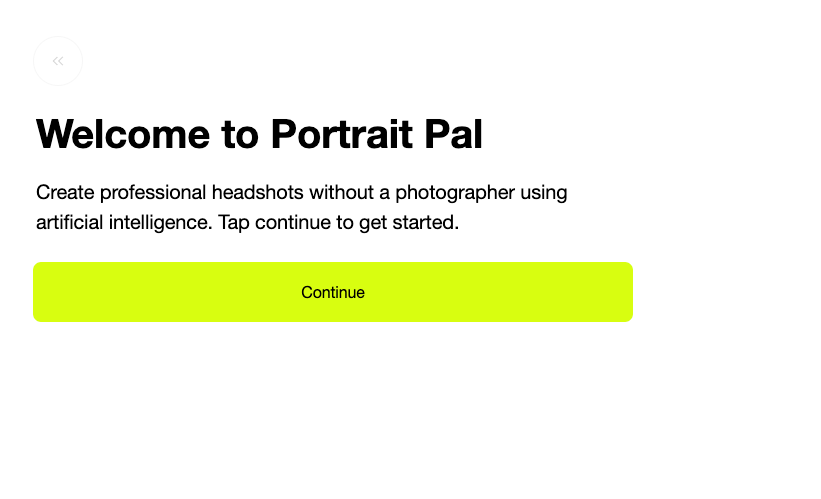
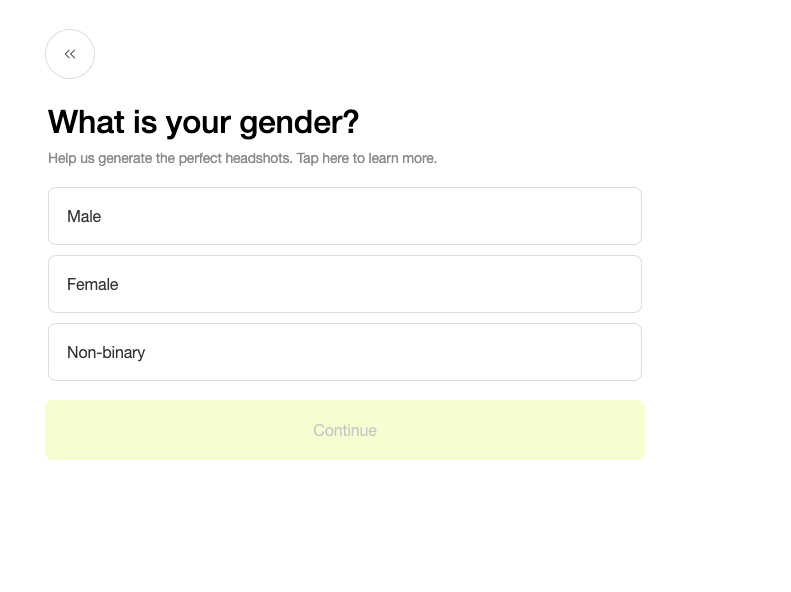
Portrait Pal creates incredibly realistic profile images, and I’m really happy with most of mine.
With a wide range of styles and poses, I’m amazed at how advanced AI headshot generators are already. They’re not perfect, and some images might be slightly off, but overall, it’s awesome!
DreamWave AI creates both artistic and realistic profile pictures with advanced AI and customization options.
I tested it so you don’t have to—let’s check out my results and thoughts!
Key features
Here’s a sneak peek at DreamWave’s main features:
Artistic & realistic styles for diverse looks
Advanced AI for high-quality images
Detailed customization to match your style
Perfect for social media & professional use
My experience and results
Using DreamWave is just as easy as the others—upload your images and wait.
Here’s what my results looked like:
And this:
To put a comparsion out there too, here are the original images I used:
One feature I love about DreamWave AI is its built-in editing tools.
Super handy for fixing AI-generated quirks—like weird teeth or eyes!
For example, here’s a before-and-after shot where I used AI to make my teeth look more natural:
In the first image, you can see how my teeth looked weird and messed up—thanks to the AI.
But after using the editing feature, the second image looks much more realistic.
That being said, DreamWave is a great profile picture maker. It generates various images with different styles, lighting, clothing, and poses, plus lets you fix issues with AI editing.
Pros
AI editing to fix artifacts for free
Free trial (with a queue) to request a bunch of AI images (though it takes days)
Realistic images with diverse poses, clothing, and attire
Cons
More inaccuracies than the top tools, especially with teeth and eyes
Slow—free trial takes days, paid plans take 30–120 minutes
When using an AI profile picture generator, it’s important to understand what to expect to get the best results.
These tools work by analyzing your inputs, such as a photo or description of the type of look you want, and then creating a headshot that matches.
You might be asked to upload a clear image or choose specific preferences about the style, background, or vibe you’re aiming for.
Here are images I usually use:
As you can see, those are all well-lit and clear photos that show exactly what I look like. If you don’t have a lot of images in your camera roll, this can be a bit of a hassle.
Also, AI profile picture generators aren’t always perfect.
While AI profile picture generators can be impressive, they aren’t always perfect.
Sometimes, the generated image might not fully capture your unique features or the expression you had in mind.
It can also be tricky for the AI to get details like skin tone or lighting just right, and the background might not always match your vision.
And sometimes the images just look off, despite there being no clear reason why. There might just be an artificial vibe.
Try adjusting your inputs or uploading a higher-quality reference image for optimal results.
It may take a few attempts to get the look you’re after, but overall, an AI profile picture generator is a quick and easy way to create a polished, professional image—even if it’s not always exactly as you imagined.
Aragon AI offers multiple styles for headshots, including corporate, creative, and casual options.
You can customize aspects such as backgrounds, poses, and outfits to match your preferences.
While the platform provides tools for adjusting these elements, it doesn’t support manual fine-tuning of facial expressions.
After generating your headshots, you can use Aragon AI’s photo editor to make more adjustments.
Speed & Processing Time
I tested Aragon AI, and it was fast.
My headshots were ready in about 30 minutes with the premium plan, while the cheaper options took closer to an hour. Compared to other AI tools, it’s one of the faster options.
There are no major upload limits, but the number of downloads depends on the plan you choose.
Pricing & Value for Money
Starter – $35
40 headshots, 120 min
1 attire, 1 background
Standard resolution
Basic – $45
60 headshots, 60 min
2 attires, 2 backgrounds
Standard resolution
Premium – $75
100 headshots, 60 min
All attires & backgrounds
Enhanced resolution
I see Aragon AI’s pricing as reasonable for the quality it delivers. Traditional photoshoots can cost hundreds, while Aragon AI’s packages range from $35 to $75, offering different levels of customization and resolution.
There are no hidden costs, upsells, or subscriptions—just a one-time payment.
However, there’s no free version. The paid options provide enough value for professional headshots.
Pros & Cons
Pros: ✅ Lots of results
✅ Great customization features
✅ Versatility in the AI headshots
Cons: ❌ Distorted and morphed headshots
❌ Most images are unusable
❌ Customizations can’t save bad photos no matter what you do
There’s another free AI headshot generator that works differently. It’s the fastest and easiest to use, but the results match that.
Still, your experience might differ.
Let me show you what I got.
My Experience
First, pick a style:
Then upload your image:
After 20 seconds, you’ll see your AI headshots.
Once again, it’s a fun experiment, but it doesn’t look much like me. There are some traits, but it’s clearly more of a 3D character than a realistic image.
The images it creates don’t look like me at all. I’m mentioning it because it ranks high for keywords like AI headshot generator, and a lot of people use it.
I want to show that this is not what these tools do.
So, let me show you how Canva sees me:
That’s absolutely terrible. It looks like one of those 2010 Instagram photos where someone applied all the filters to make it look “cooler.”
I really hope I don’t look like that.
It’s not worth it—it’s just a waste of time.
Even though Canva is a great tool otherwise, this headshot generator is awful, even for being free.
⭐ My Grade ⭐
Realistic: 1.0/5
Customizable: 0/5
Waiting time: 5/5
Total: 1.1/5
Free vs. Paid AI Headshots
Let’s be honest—free AI headshots are nothing compared to the best paid ones.
My favorite paid AI headshot generator is BetterPic.
DreamWave is a popular AI headshot generator. In fact, I believe it’s the most popular tool in this space.
But let’s see if it’s worth the hype.
In this post, I will show you my headshot results with DreamWave AI. I will also compare with other similar tools.
Disclaimer: This post has affiliate links at no cost to you.
👉 Check the up-to-date list for the best AI headshot generator.
Ease of Use & User Experience
DreamWave AI guides you through uploading photos and generating headshots with clear instructions.
You don’t really need to watch a tutorial on how to use it.
You must create an account with an email and password to use the service.
Then just drag and drop some images of yourself to the view, answer a couple of questions, and wait.
Headshots take around two hours to generate but may vary based on server load and photo quantity.
Also, please be prepared to spend at least 10-20 minutes finding clear images of yourself to be used.
Results, Quality & Accuracy of Headshots
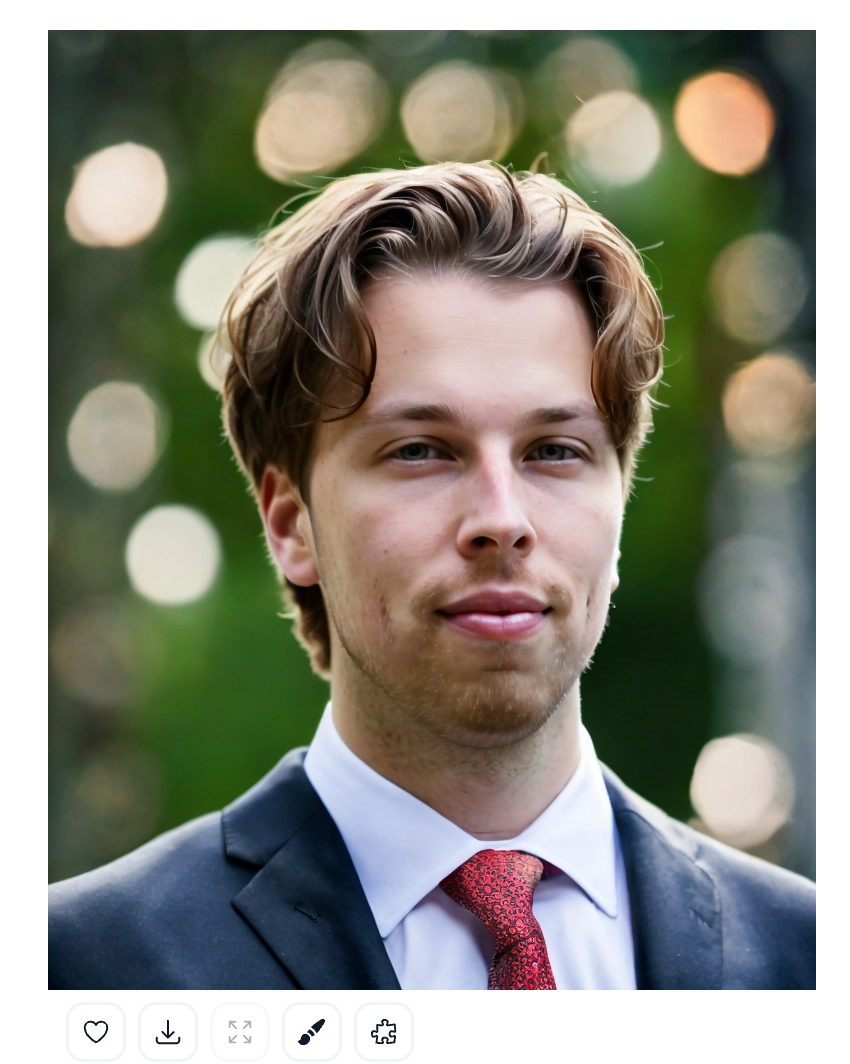
Here’s my favorite AI headshot that I got from DreamWave AI:
It’s pretty much exactly like me! It’s realistic and nice-looking all the way. Perhaps the only problem is the smoothness in the image that makes it look as if this was taken through some filter.
Also, it’s not just one image you get but a whole bunch more. I think I got almost 200 AI headshots or something like that.
Here are some more results:
These images are pretty realistic. But I have to admit right off the bat that I’ve received way better results with other similar tools.
In DreamWave, the results are a bit “out of place” and artificial. There are some strange AI-generated paths and traces in the skin. Also, the images are way too smooth and look like they’ve been processed by a filter.
Just as an example, let’s compare the DreamWave results with BetterPic (which is my favorite tool):
BetterPic AI headshots are so much better
If you ask me, I recommend using BetterPic instead of DreamWave. Also, BetterPic has all the customization features that are missing from DreamWave.
DreamWave AI offers a variety of headshot styles, including corporate, creative, and casual.
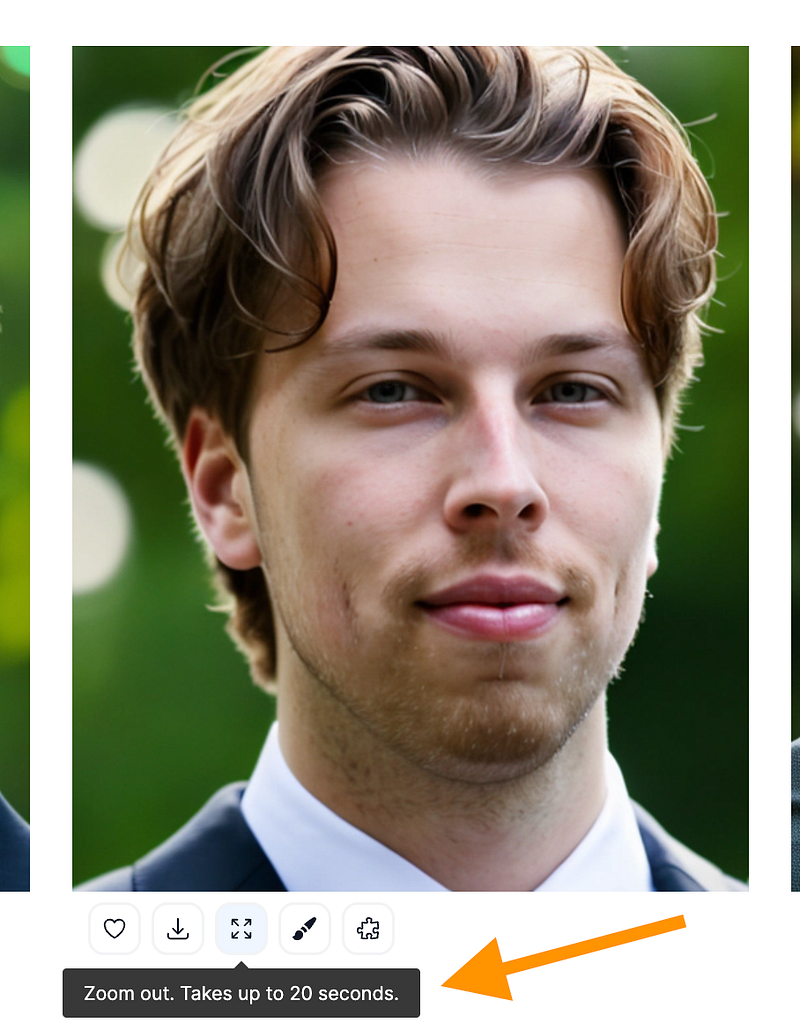
You can’t directly tweak facial expressions.
However, you can do basic edits to your images, such as to remove blemishes and change backgrounds.
Also, you can fix teeth and skin issues that are common in AI headshots.
In this sense, DreamWave is better than most AI headshot generators because it lets you edit your images quite well.
However, this can’t really save bad images in my experience.
The teeth-fix feature is good, but other edits are just icing on the cake.
If the image is bad to begin with, there’s nothing you can do about it really.
Speed & Processing Time
DreamWave AI processes images in about 1 to 2 hours.
It’s generally slower than some competitors that deliver results in under an hour.
There are no strict limits on downloads, but you must upload at least five photos to generate headshots. This is more lenient than some tools that require up to 15 mandatory images.
Pricing & Value for Money
Free – $0, 16-day wait, 20 photos, no redos
Starter – $35, 2-hour wait, 120 photos, no redos
Standard – $59, 2-hour wait, 250 photos, 1 free redo
Best Value – $99, 2-hour wait, 500 photos, 2 free redos, Photoshop touch-ups
This tool is a bit pricey but includes AI editing and redos in higher plans.
There aren’t necessarily hidden fees, but there are no redos unless you pay, except in premium plans.
Free plan is very slow and limited; paid plans are better for serious use.
Pros & Cons
Pros: ✅ Customization features better than almost any other similar tool
✅ Semi-realistic results
✅ Versatile results and a lot of images
Cons: ❌ Artificial vibe in most images
❌ Once the image comes out bad, you can’t really fix it—not even with the edits
❌ Pricey compared to other similar but way better tools
I like DreamWave. It’s definitely in the top 10 of the tools I’ve tested. Especially if you compare it with free tools, the results are on a next level.
Rating: 4.1/5
However, for my use, I’ve found at least 5-10 better headshot generators than DreamWave.
👉 Check the up-to-date list for the best AI headshot generator.
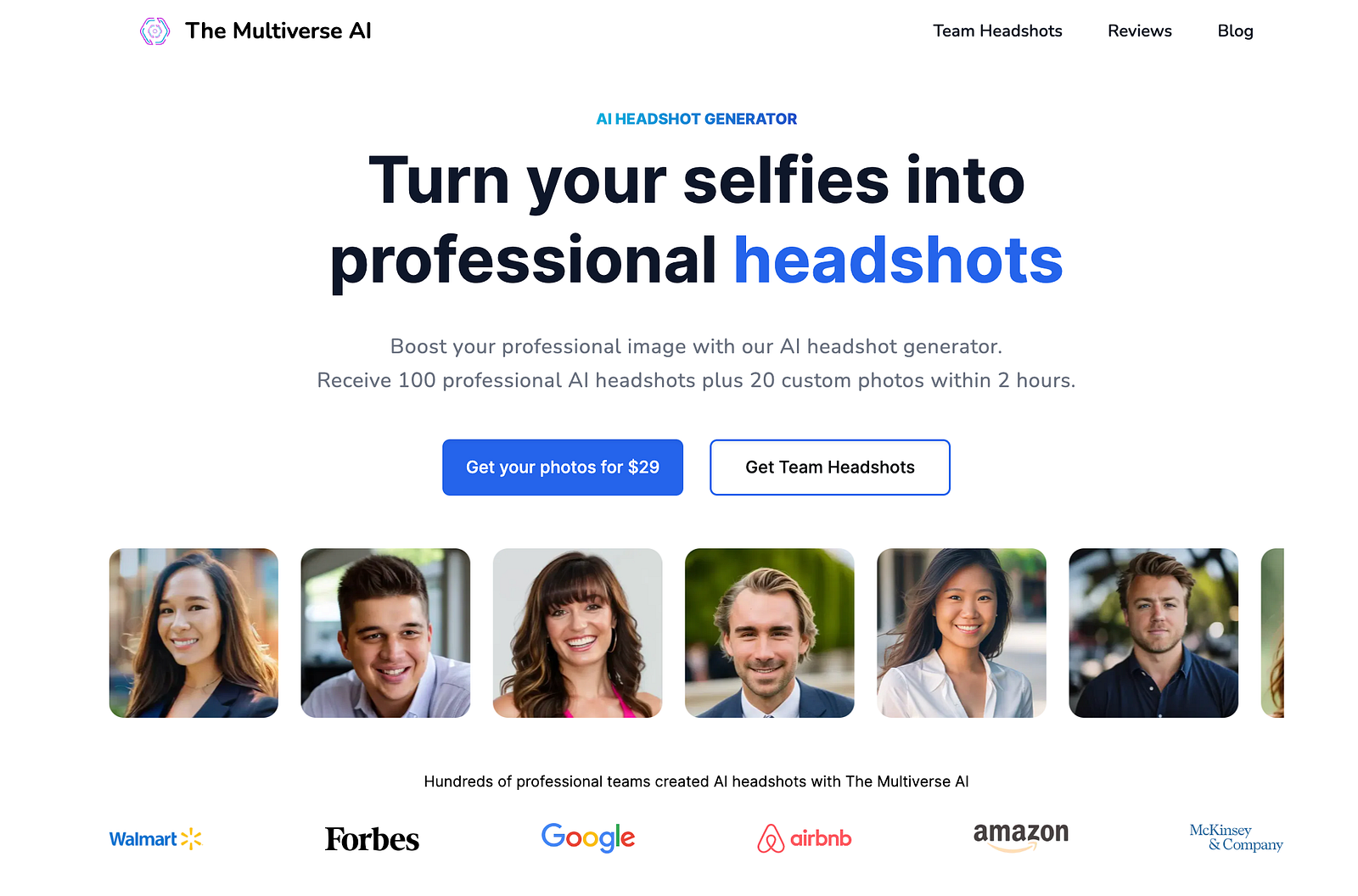
If you want more customization, check out The Multiverse AI as an Aragon alternative.
It doesn’t just create headshots; you can also tell the AI what type of headshots you want.
For example, I asked it to create an image of me in a sunset in Spain:
Isn’t that cool? You can fully customize your images to fit your needs, whether it’s for yourself or your team, making them look consistent and unique.
First, sign up. I used Google to save myself the hassle.
Specify age, gender eye color hair color, and ethnicity:
Then pick a style for your Aragon AI headshots:
It’s time to upload your images.
But before you do that, please read the instructions.
The key is to keep your images clear and show your face without making any exaggerated expressions. Also, avoid using repetitive images—don’t just take a set of selfies all at once.
Next, drag and drop your images into the view:
Then, confirm your details and hit “Submit.” After that, you’ll just need to wait for the AI to process your photos.
This takes about 20–40 minutes.
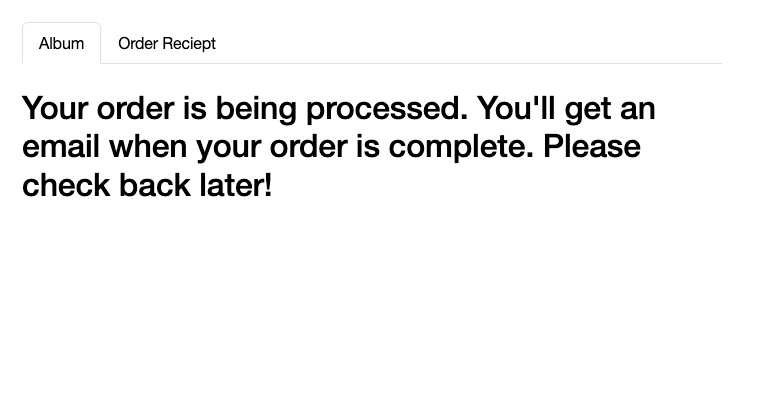
You’ll get an email like this once the AI headshots are ready. This is handy because you don’t need to wait for the AI to process.
Just click the link to view the pictures and enjoy.
If you want to make changes, remember you can use the AI editor feature.
These features let you change the background, remove artifacts, upload a new background, and more.
Isn’t that cool? It’s amazing how far AI has come in just a few years.
Fast! It only took 30 minutes for me to generate my AI headshots. Most AI generators take 1–3 hours.
Realistic. The AI headshots look superb. Especially at a distance. Despite some of them failing, most of them look very realistic.
AI edits. If you want to make small changes to your headshots, you can use the AI editor. That’s handy to fix subtle things.
Cheaper than a photographer. If you think about it, a traditional photographer takes time and money. You might have to wait for weeks before they have time to arrive and then you need to wait for the post-processing, and on top of that, you have to pay a lot more.
Cons
Too artificial. Some images are a bit too smooth or have a blank stare that gives a sensation of it being AI.
Costly. Despite there not being any good free AI headshot generators right now, having to pay $30+ for headshots is not for everyone.
Better alternatives exist. Even though I think Aragon is one of the best AI headshot tools I’ve tried, there are a couple of better tools for the same (or similar) price.
To take home
Aragon AI is incredible.
Who would have imagined just two years ago that you could create professional selfies and photoshoots with AI in minutes?
However, since I’ve tested other tools, I have to admit it’s not the best out there.
For example, in my experience, BetterPic provides better results and offers a human editor who can manually edit any failed images.
👉 Check the up-to-date list for the best AI headshot generator.
HeadshotsByAI is another epic AI headshot generator. The results are pretty much just as good as with BetterPic, but this tool doesn’t allow for customizations.
My Results
Pricing
My Take
Definitely worth a shot.
However, if you like to customize your AI headshots, then this is not your tool.
AI SuitUp is one of the best value-for-money headshot generators on the market. This tool is cheaper than most of the tools and it’s not producing bad results either.
My Results
Pricing
My Take
I love AI SuitUp. It’s good for those on budget. I have a special promo code of 10% that you can use to get it even cheaper.
PortraitPal is my favorite vintage-style AI headshot generator. These headshots are realistic, but they also have an old and calming tone.
My Results
Pricing
My Take
Try if you like vintage style, smooth images that look like they have a filter enabled. However, if you’re after traditional, realistic headshots, I’d try another tool higher on the list.
It’s not the worst I’ve tried but definitely not the best. However, because AI is always a bit of a dice roll, I included it on the list because it might just produce you the best results as this is all based on opinion.
My Results
Pricing
My Take
The results look like me a lot. However, there are some artifacts and I look tired in every image. Also, there’s a strange “smooth” filter in every AI headshot.
Last but not least, I decided to include an entirely free AI headshot generator on the list.
As you might expect, the results are not even close to what the paid tools produce. But if you aren’t ready to invest, make sure to at least try the free tools.
My Results
Pricing
Free!
My Take
This tool produces funny, 3D-like characters of yourself. It doesn’t really create too realistic-looking images but can still be a funny experiment.
If you’ve never used a headshot generator, the idea is simple:
Sign up.
Pick a plan.
Upload images.
Wait.
Enjoy your headshots.
This requires about 15 minutes of your time and about an hour for the AI to create the photos.
Also, you don’t just get one or two styles of images, but you get hundreds of those. This is good for real estate agents.
Also, you can edit your AI headshots easily. For example, if you want to change your clothing with it, that’s possible too.
Results, Quality & Accuracy of Headshots
Here’s my favorite real estate agent headshot I got from BetterPic:
It’s indistinguishable from the real me. That is so cool! In fact, that’s my LinkedIn picture right now.
Here are some more AI headshots I got from it:
These images are awesome. I sent them to my mates and family—they couldn’t believe they weren’t real.
AI images are always a dice roll. No AI photoshoot is perfect, and results vary.
That’s why there are customization features—change backgrounds, clothes, eye color, skin, and more. Heck, there’s even a human edit feature. I’ll get to that in a second.
InstaHeadshots is one of the best AI headshot generators out there. Especially for casual and formal real estate photos.
It transforms selfies into professional-looking images.
For example, here’s a before-and-after image I got from InstaHeadshots:
Ease of Use & User Experience
Using InstaHeadshots is easy. Just sign up, upload your images, and wait.
The biggest challenge is finding real images of yourself that meet the criteria—clear, well-lit, and with no other people in the background.
You’ll probably spend 10-20 minutes searching your camera roll or taking multiple selfies in different lighting and outfits.
Anyway, here’s how you can create your InstaHeadshots AI headshots:
Take a couple of selfies.
Sign up to InstaHeadshots.
Upload the selfies.
Answer a couple of questions.
Wait for about an hour.
Get your AI headshots.
This is an online tool, so there’s no installation required.
The AI headshots are generated remotely on InstaHeadshots’ servers, so you won’t have to wait for them to generate either. You can just close the window or your device altogether and come back once you receive the email that the headshots are ready.
One thing that confused me, though, was the watermarks on the paid headshots.
Yes, the paid headshots do have a watermark, but don’t worry—it disappears once you download them.
The watermark is there to protect customers. If you’re not happy with the headshots, you can get a refund, and the team can ensure you’re not using them for free.
Downloading the images signals that you’re satisfied and not asking for a refund.
PortraitPal is a paid AI headshot generator that transforms your selfies into professional, vintage-style headshots that resemble you.
For example, here’s a before-and-after image I got from PortraitPal:
Ease of Use & User Experience
Using PortraitPal is simple and requires no tech skills.
It’s an online AI tool that works directly in your browser.
The biggest challenge is finding clear, well-lit photos of yourself with no one else in the background.
You’ll likely spend 10–20 minutes searching your camera roll or taking new selfies in various lighting and outfits.
Here’s how it works:
Take a bunch of selfies.
Sign up to PortraitPal.
Upload the selfies.
Answer a couple of questions.
Wait for about 60 minutes.
Get your AI headshots.
Since it’s an online tool, there’s nothing to install. The AI generates your headshots remotely on PortraitPal’s servers.
You’ll receive an email when they’re ready—no waiting around.
Results, Quality & Accuracy of Headshots
Here’s one of my favorite AI headshots:
The quality isn’t sharp because I zoomed in for the before-and-after comparison.
As a full image, though, this picture looks really nice.
You don’t just get one image—you get a whole set of headshots.
Here are more headshots the AI created for me:
These images look pretty much like me, at least from a distance.
The downside is that some images can appear slightly morphed, and you might notice issues with teeth, lips, and fingers.
The closer you look, the more they start to seem a bit fake.
For example, look at this picture:
At first glance, this looks good.
But the longer you look, the less real it seems. Zoom in, and the “AI fakeness” becomes more obvious.
Another downside is that this tool doesn’t allow customizations—you have to be satisfied with what you get.
Customization & Style Options
Unfortunately, PortraitPal only creates your headshots and doesn’t allow any customization.
There’s no way to control the headshots you get.
This is a big miss for me. With AI, there’s always uncertainty, and I believe you should be able to control the outputs.
Pricing & Value for Money
PortraitPal is a paid tool, with plans starting at $35, which is typical for other paid tools I’ve tested.
However, the value for money isn’t that high for me. I’ve tested similar tools, and for example, BetterPic.io has the same price but offers much better results and customization.
That said, when compared to free AI headshots, the difference is like night and day.
For example, here’s a free headshot:
In this image, I look more like a 3D character or a painting, which isn’t ideal!
When you compare this with the paid PortraitPal AI headshots, the difference is clear.
This headshot actually looks like me and less like a 3D-rendered character.